What it does

Features

The full list, with what each one is for.

Screen and camera at once

Screen and camera at once

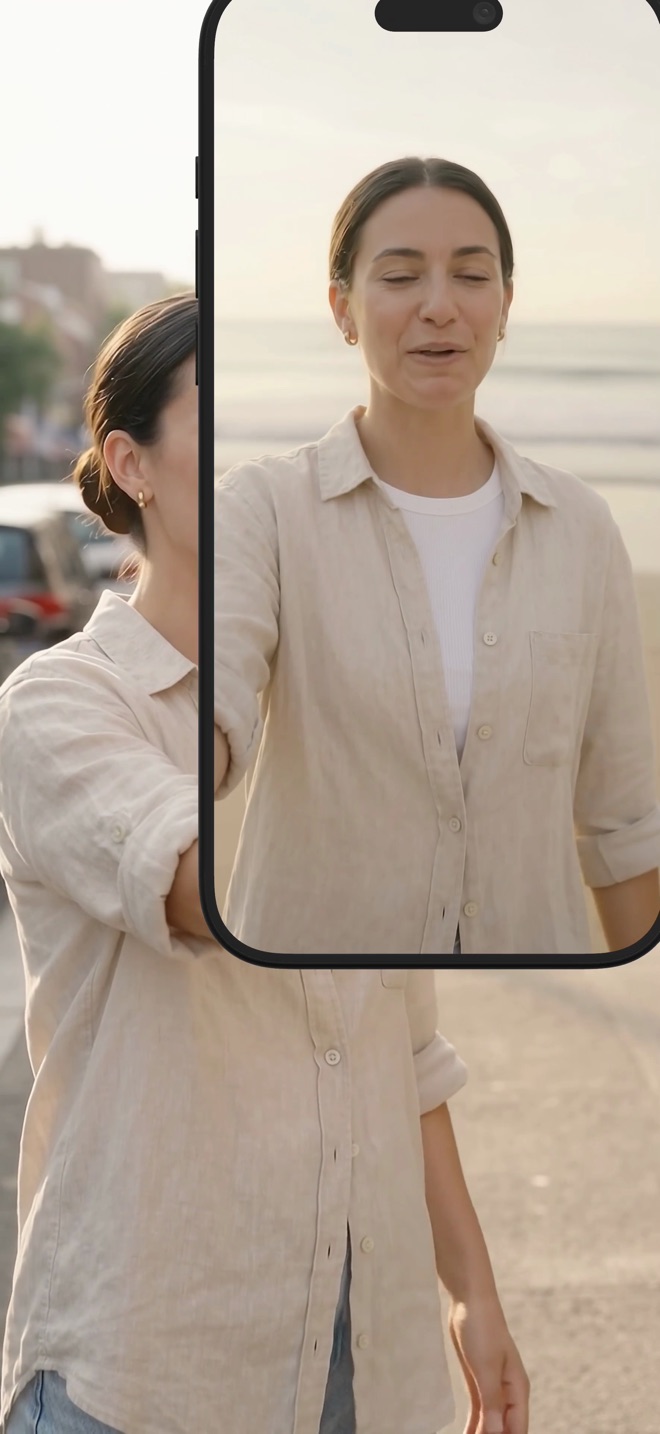
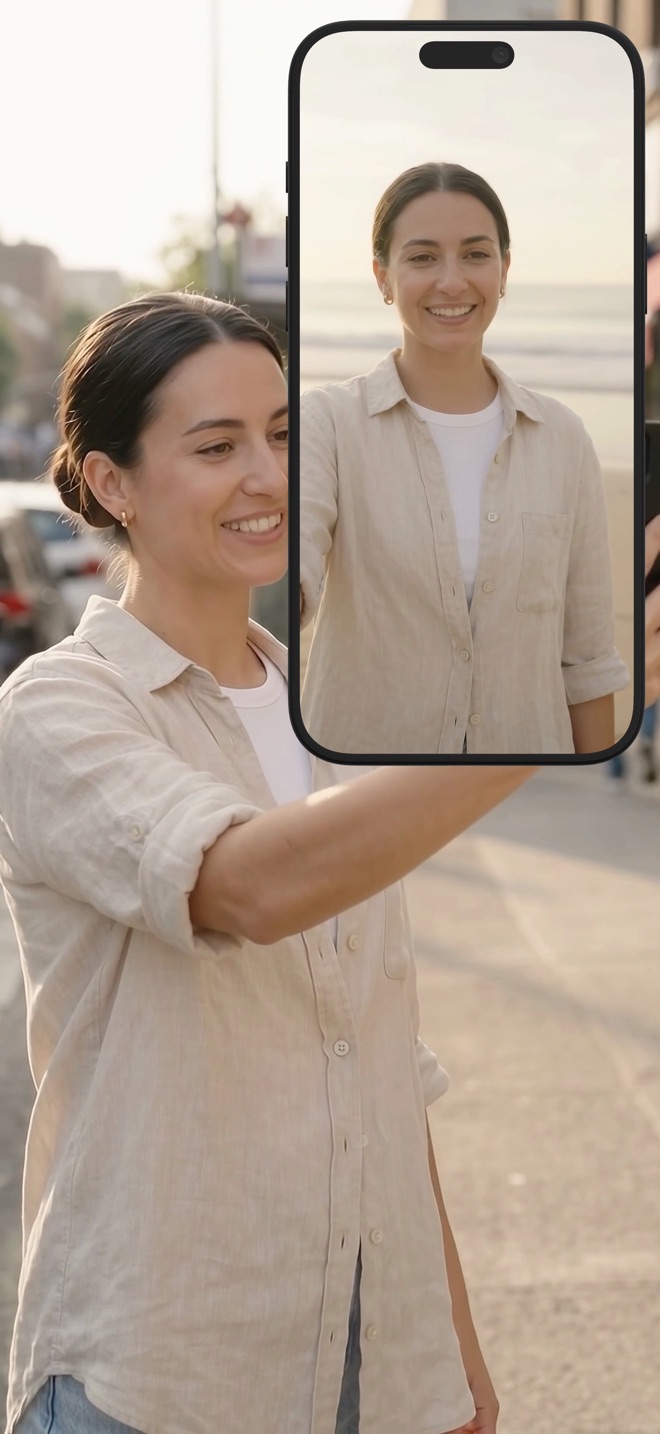
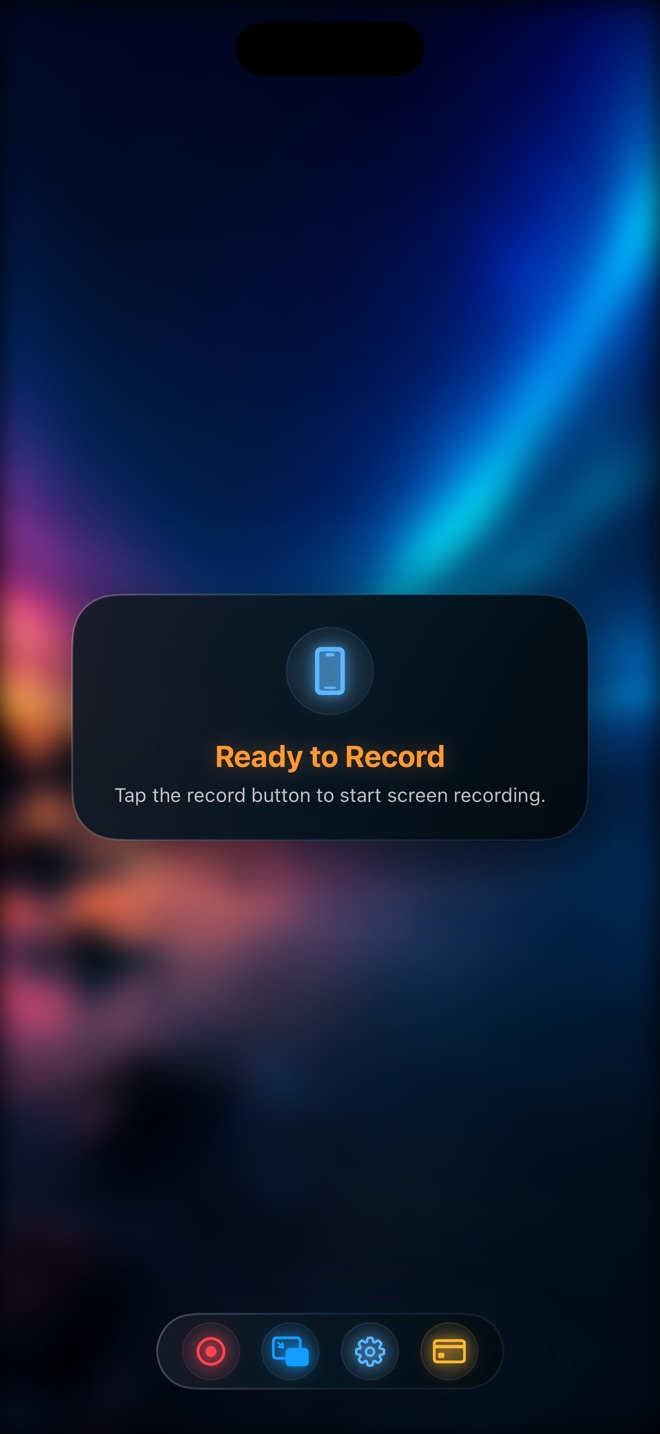
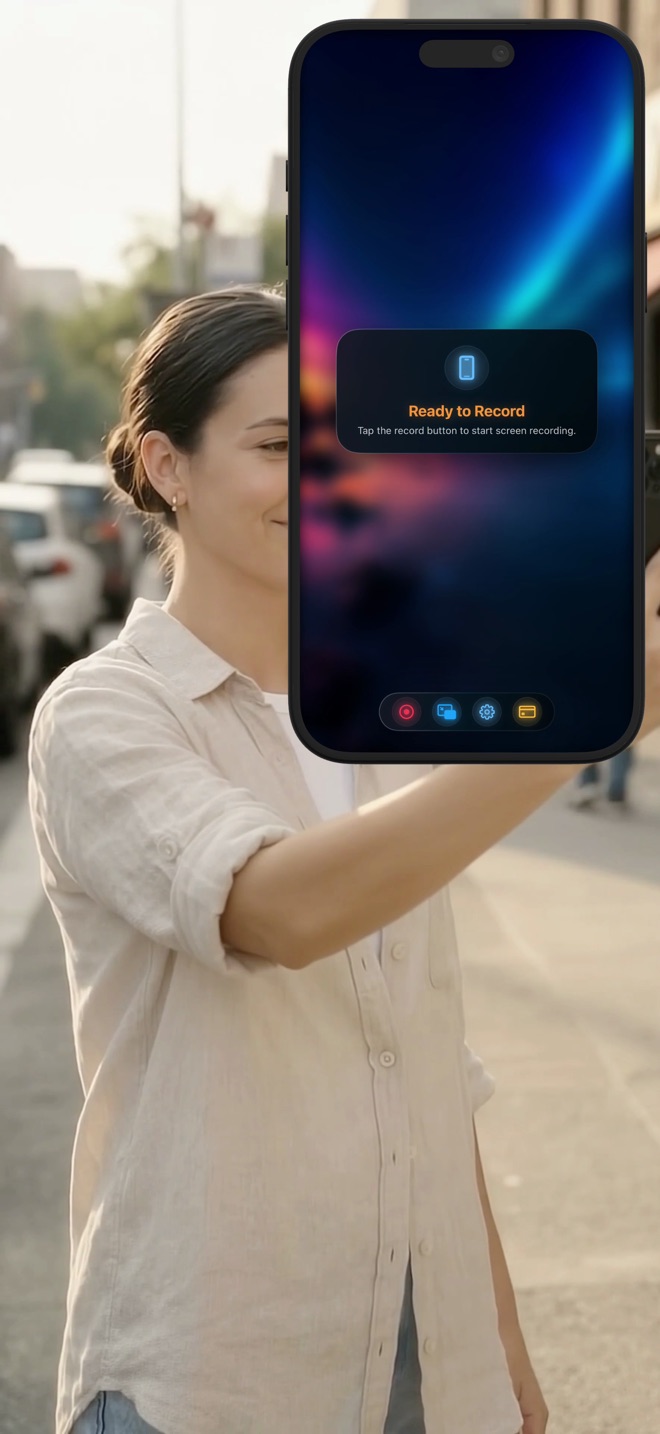
Start one recording and both are in it: the screen through ReplayKit on iOS or ScreenCaptureKit on Mac, your camera on top. There is no second file to line up afterwards.

  • Screen and camera captured together
  • Native capture on each platform
  • One MP4 at the end
Your face where you want it

Your face where you want it

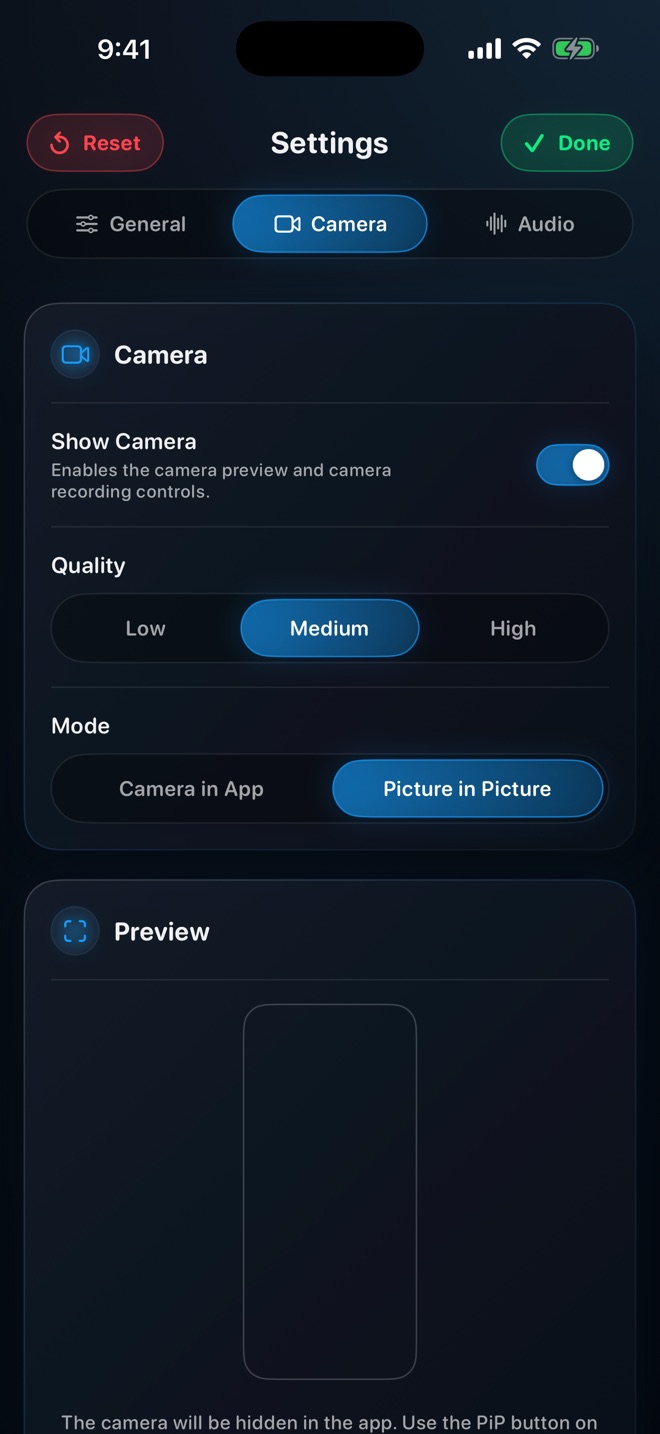
Choose how you appear: a floating overlay you can drag anywhere, native Picture in Picture so you stay visible when the app is not in front, or on Mac a separate pop-out window for a true presenter setup.

  • Floating overlay with adjustable position
  • Native iOS Picture in Picture
  • Pop-out camera window on Mac
React to a video, on camera

React to a video, on camera

Play a video inside Reel and record it together with your camera. That is a reaction, a commentary track or a walkthrough of someone else's clip, without leaving the app.

  • Play any clip inside the app
  • Camera stays on screen while it plays
  • Made for tutorials and reactions

iOS only.

Sound you can actually control

Sound you can actually control

Microphone and system audio are separate levels, not one slider. Turn either down or off mid-recording. Record them as one track when you want simplicity, or keep them apart.

  • Independent mic and system levels
  • Mute either source while recording
  • Single-track or separate
A scene, not a webcam

A scene, not a webcam

Put an image behind your camera and choose fit or fill. Rotate, flip and position until your face and your content both read clearly. It looks intentional because it is.

  • Image backgrounds behind the camera
  • Fit or fill, rotate, flip, position
  • Framing that keeps both halves readable
The quality you need

The quality you need

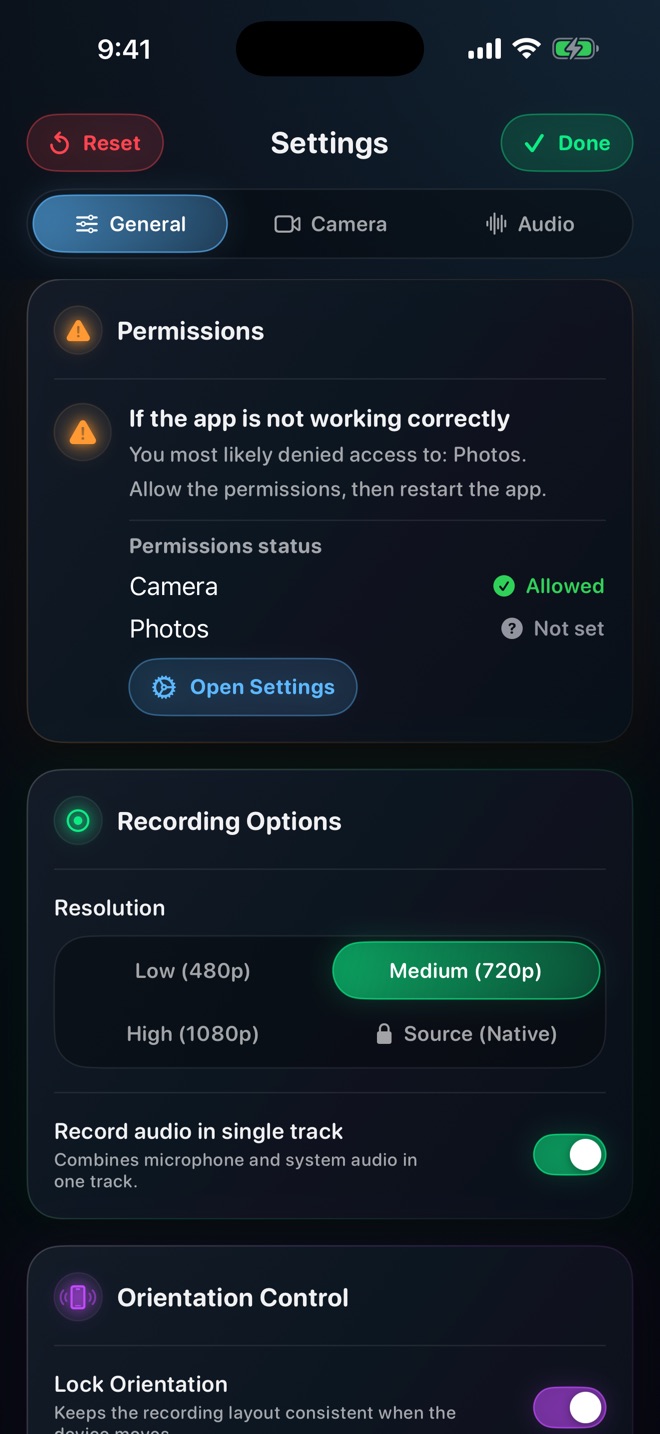
480p, 720p and 1080p are free. Lock the orientation so a recording that starts in portrait stays in portrait. On Mac, pick which windows or apps to include, toggle a live preview, and start or stop from the keyboard.

  • 480p, 720p, 1080p free; native source with Pro
  • Orientation lock
  • Mac: window picker, live preview, shortcuts