For iPhone, iPad and Mac

Your screen and your face,
in one take.

Reel records what is on your screen and what is in front of your camera at the same time, so a tutorial, a demo or a reaction is one recording instead of two you then have to stitch together.

Free to record. No account. · iOS 26 · iPadOS · macOS

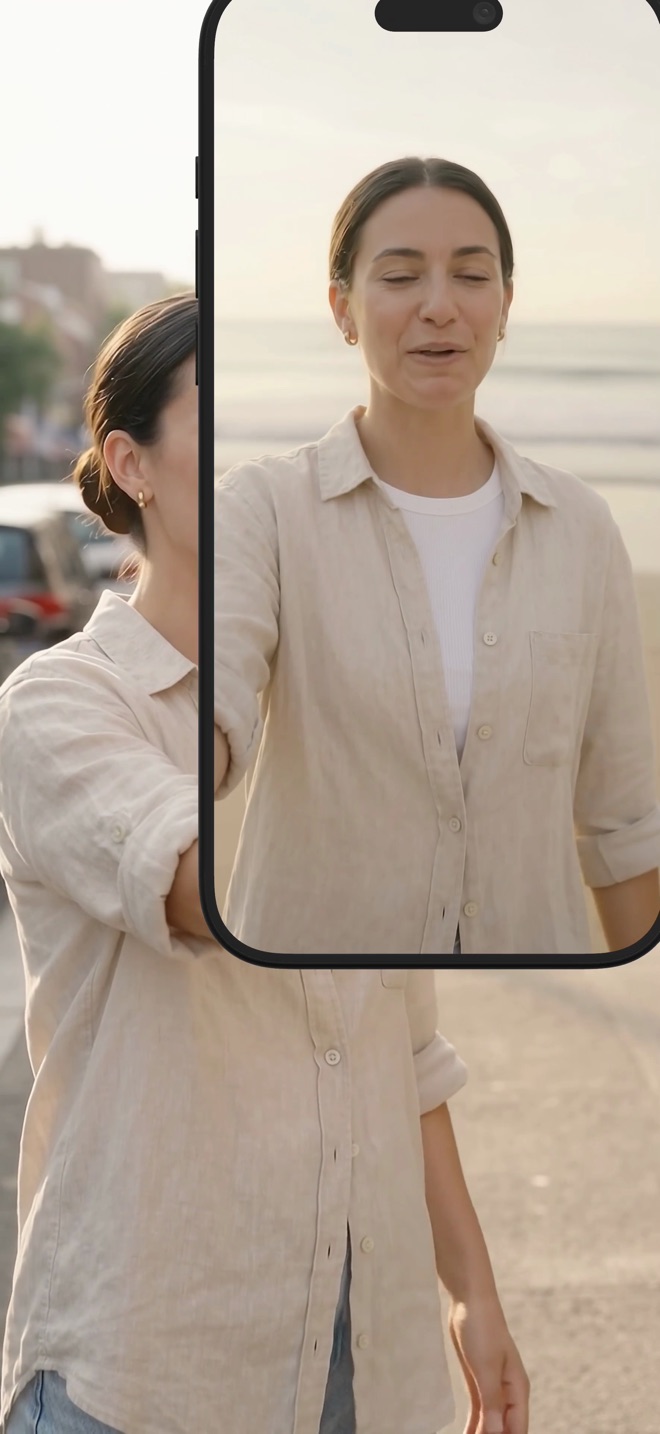
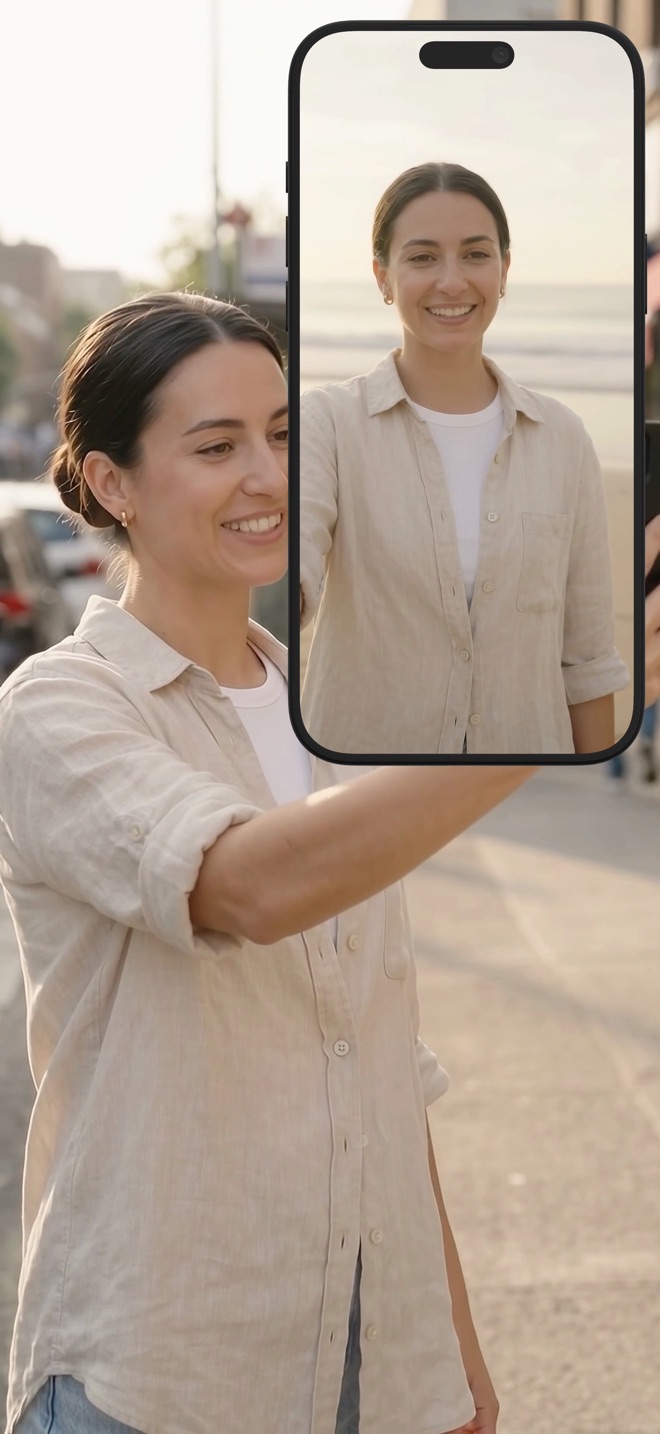
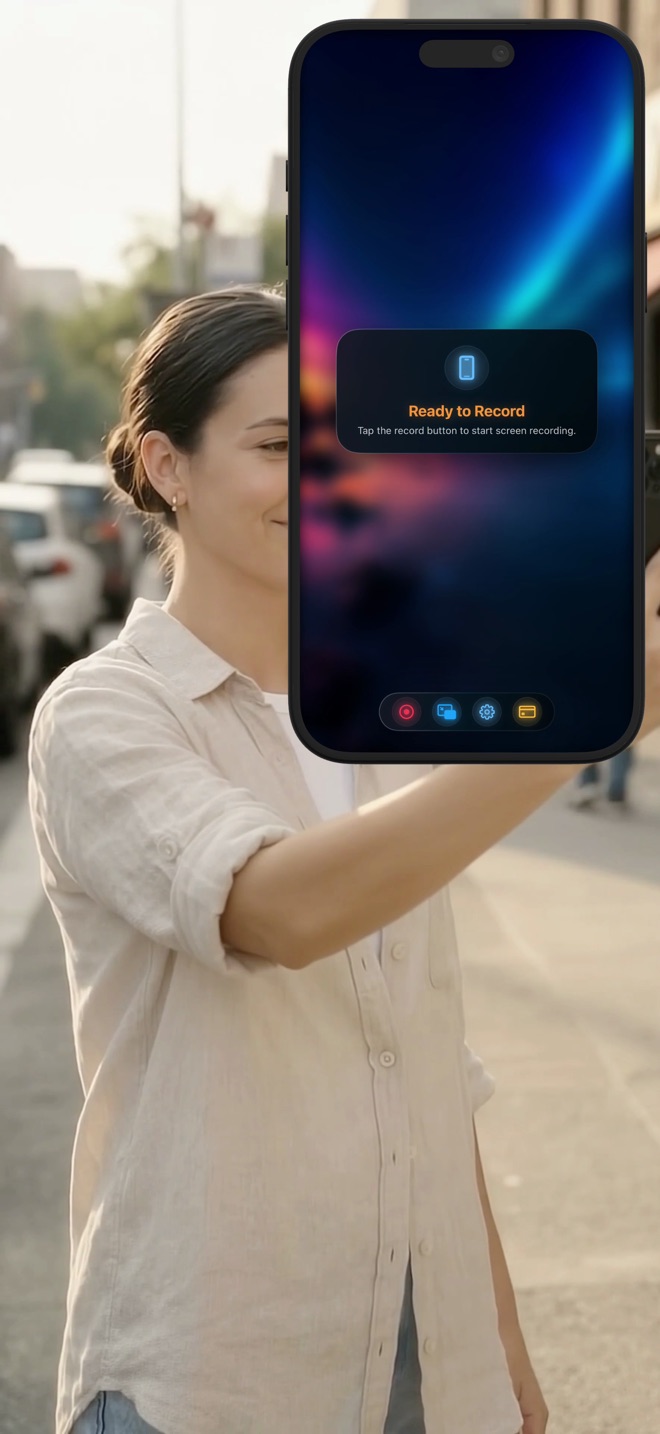
A person on a sunlit street holding up an iPhone showing Reel Screen Recorder ready to record.
  • Screen and camera together
  • Picture-in-picture, floating, or pop-out on Mac
  • Mic and system audio mixed separately
  • Clean MP4, straight to your library
  • Up to 1080p free

What it does

One recording, both halves.

Most screen recorders give you the screen and leave you to film yourself somehow else. Reel treats your face as part of the recording, not an afterthought.

Screen and camera at once

Screen and camera at once

Start one recording and both are in it: the screen through ReplayKit on iOS or ScreenCaptureKit on Mac, your camera on top. There is no second file to line up afterwards.

  • Screen and camera captured together
  • Native capture on each platform
  • One MP4 at the end
Your face where you want it

Your face where you want it

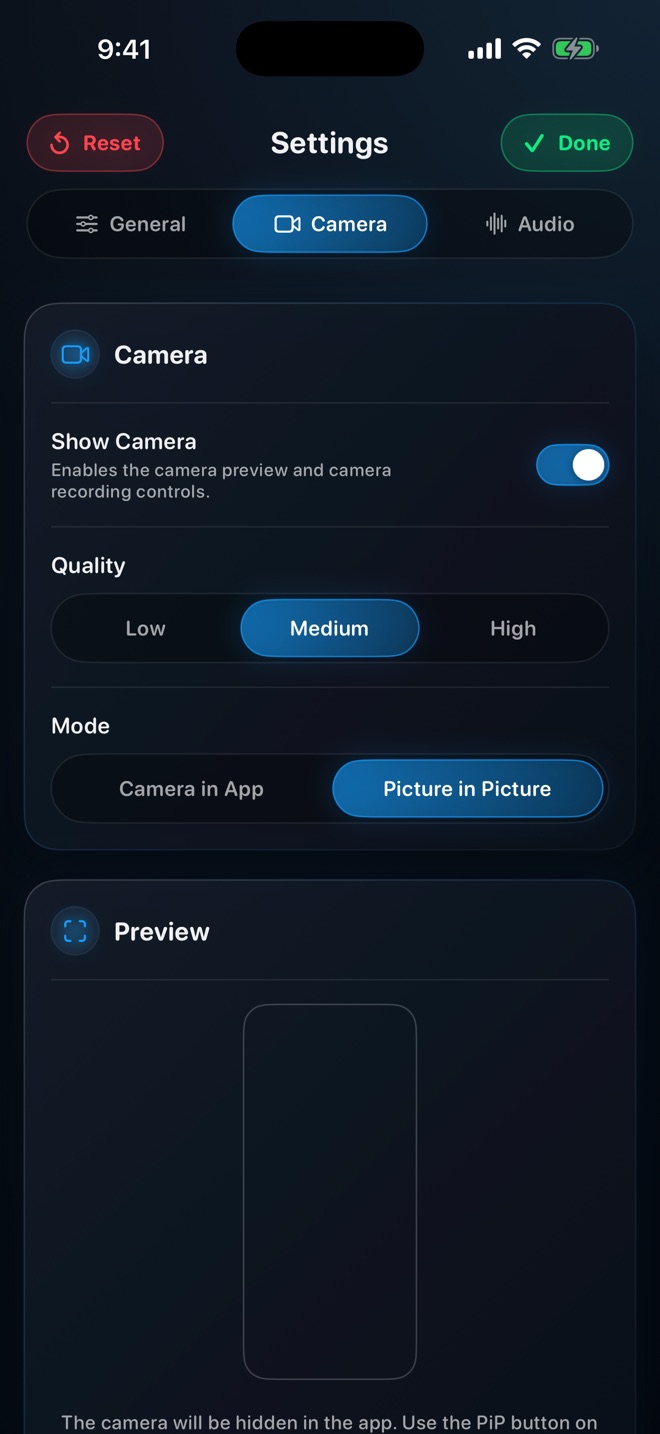
Choose how you appear: a floating overlay you can drag anywhere, native Picture in Picture so you stay visible when the app is not in front, or on Mac a separate pop-out window for a true presenter setup.

  • Floating overlay with adjustable position
  • Native iOS Picture in Picture
  • Pop-out camera window on Mac
React to a video, on camera

React to a video, on camera

Play a video inside Reel and record it together with your camera. That is a reaction, a commentary track or a walkthrough of someone else's clip, without leaving the app.

  • Play any clip inside the app
  • Camera stays on screen while it plays
  • Made for tutorials and reactions

iOS only.

Sound you can actually control

Sound you can actually control

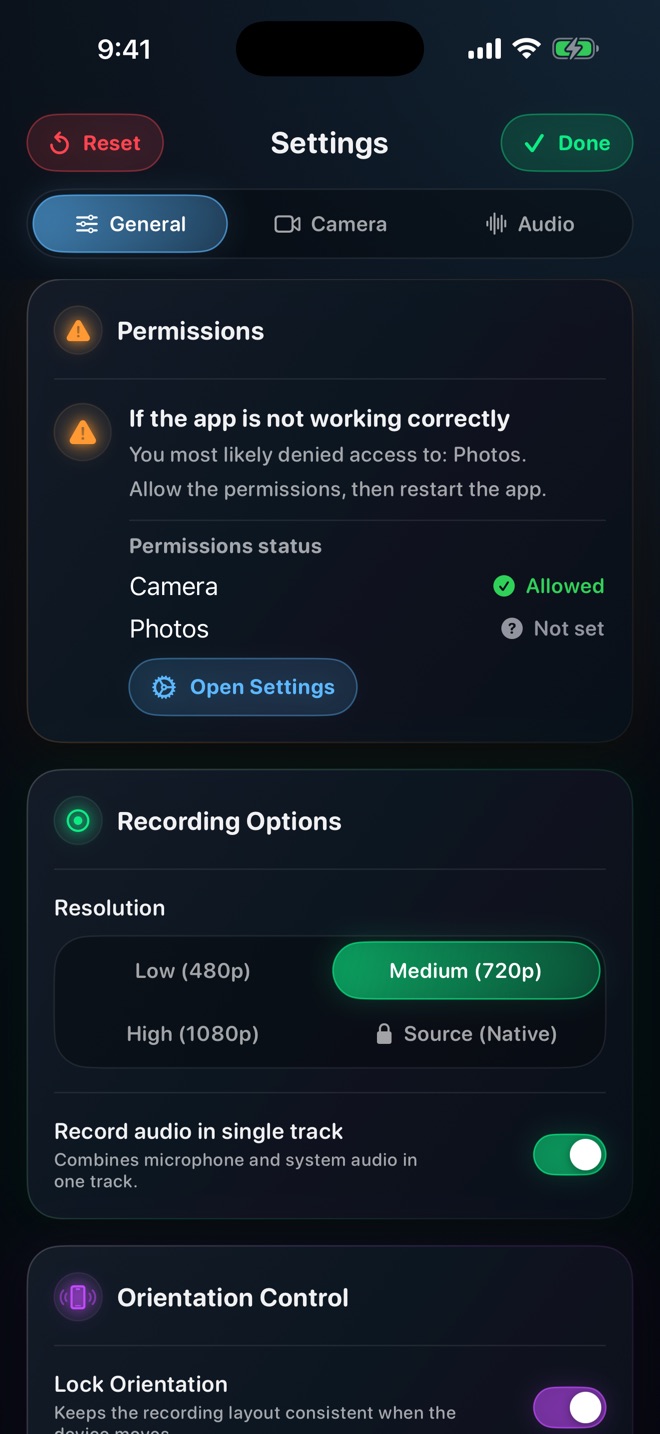
Microphone and system audio are separate levels, not one slider. Turn either down or off mid-recording. Record them as one track when you want simplicity, or keep them apart.

  • Independent mic and system levels
  • Mute either source while recording
  • Single-track or separate
A scene, not a webcam

A scene, not a webcam

Put an image behind your camera and choose fit or fill. Rotate, flip and position until your face and your content both read clearly. It looks intentional because it is.

  • Image backgrounds behind the camera
  • Fit or fill, rotate, flip, position
  • Framing that keeps both halves readable
The quality you need

The quality you need

480p, 720p and 1080p are free. Lock the orientation so a recording that starts in portrait stays in portrait. On Mac, pick which windows or apps to include, toggle a live preview, and start or stop from the keyboard.

  • 480p, 720p, 1080p free; native source with Pro
  • Orientation lock
  • Mac: window picker, live preview, shortcuts

Who it is for

Anyone whose video needs a person in it.

Indie developers
App demos, walkthroughs and release notes with you explaining, not a silent cursor.
Creators
Reels, Shorts and YouTube tutorials with an on-camera presence, recorded once.
Product teams
Onboarding videos and feature announcements that show the thing and the person behind it.
Educators and coaches
Clear screen-plus-face lessons without a second camera or an editing session.

What it costs

Recording is free. Pro removes the ads and unlocks native quality.

Everything on this page works without paying: screen and camera together, every overlay mode, audio mixing, backgrounds, up to 1080p. The free version shows ads between sessions. Pro removes them and adds the Source (Native) quality tier — full device resolution.

Free

$0 no account

  • Screen and camera together
  • All overlay modes
  • Mic and system audio mixing
  • Backgrounds and framing
  • 480p, 720p and 1080p
  • Ads between sessions

Ad-supported.

Pro

$0.99 per month

$9.99 per year · $14.99 once

  • No ads
  • Source (Native) quality — full device resolution
  • Everything in Free

Cancel any time in your Apple account settings.

Pro changes exactly two things: the ads go away, and the Source (Native) quality tier unlocks. Nothing else is held back.

Pricing →

Questions

Asked often enough to write down.

Does it record the screen and my camera in the same file?

Yes. One recording, one MP4, with your camera composited where you placed it. That is the whole point of the app.

Can I record a video playing inside the app together with my camera?

On iOS, yes — play a clip inside Reel and it records alongside your camera. This is the reaction and commentary mode. It is iOS only; on Mac, record the player window instead.

What is free and what is Pro?

Recording, overlays, audio mixing, backgrounds and quality up to 1080p are free with ads. Pro removes the ads and unlocks the Source (Native) tier, which records at your device's full resolution. Those are the only two differences.

Where do recordings go?

Your photo library on iOS, a folder you choose on Mac. Reel has no server; nothing you record leaves your device unless you send it somewhere.

Does it need an account?

No. There is nothing to sign up for. Pro is an App Store purchase tied to your Apple ID.

Which devices?

iPhone and iPad on iOS 26 or later, and Mac. The in-app video player mode is iOS only.

Record the next one in one take.

Free on the App Store. No account, no watermark, your screen and your face together.

Download on theApp Store