
Guides
Guides
How to get the recording you meant to make. Written for people deciding whether an app like this is the one they need.
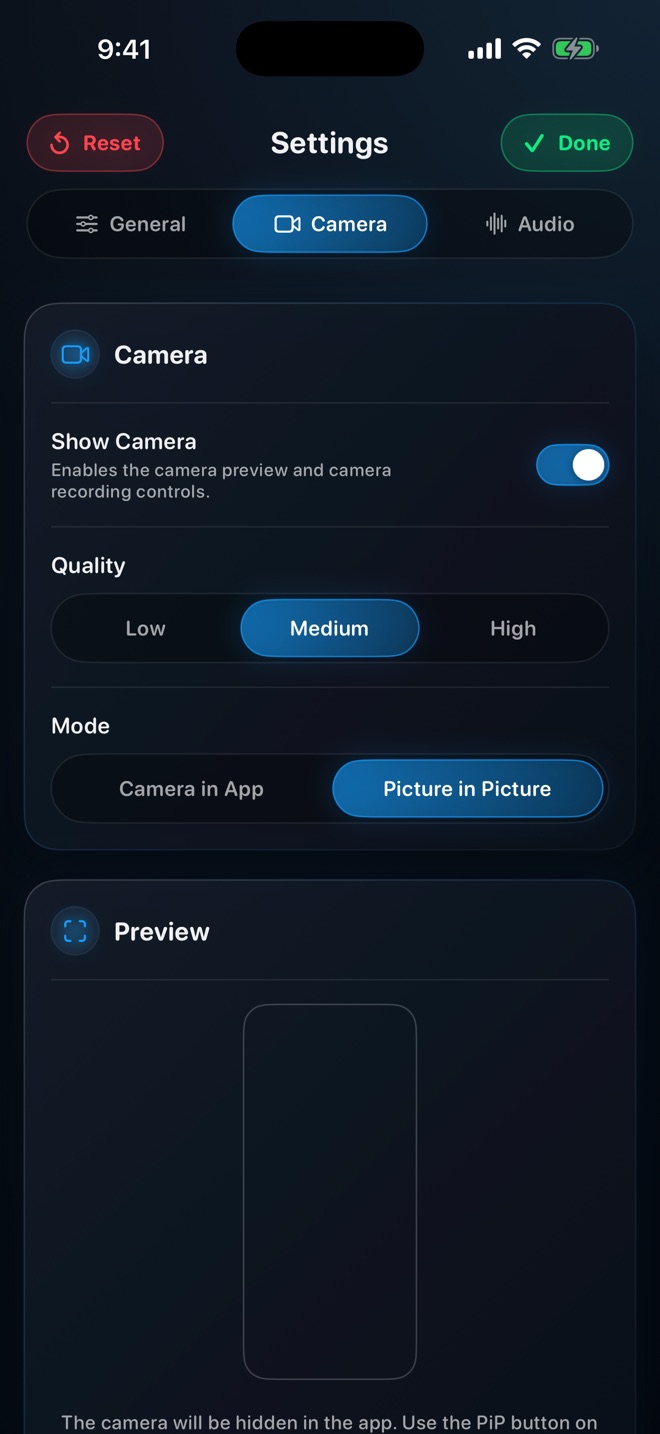 How to keep your camera on over other apps while you screen record on iPhoneYes, an iPhone can record the screen with your face cam live over any app. How Picture in Picture keeps the camera on top of games, Safari and more.
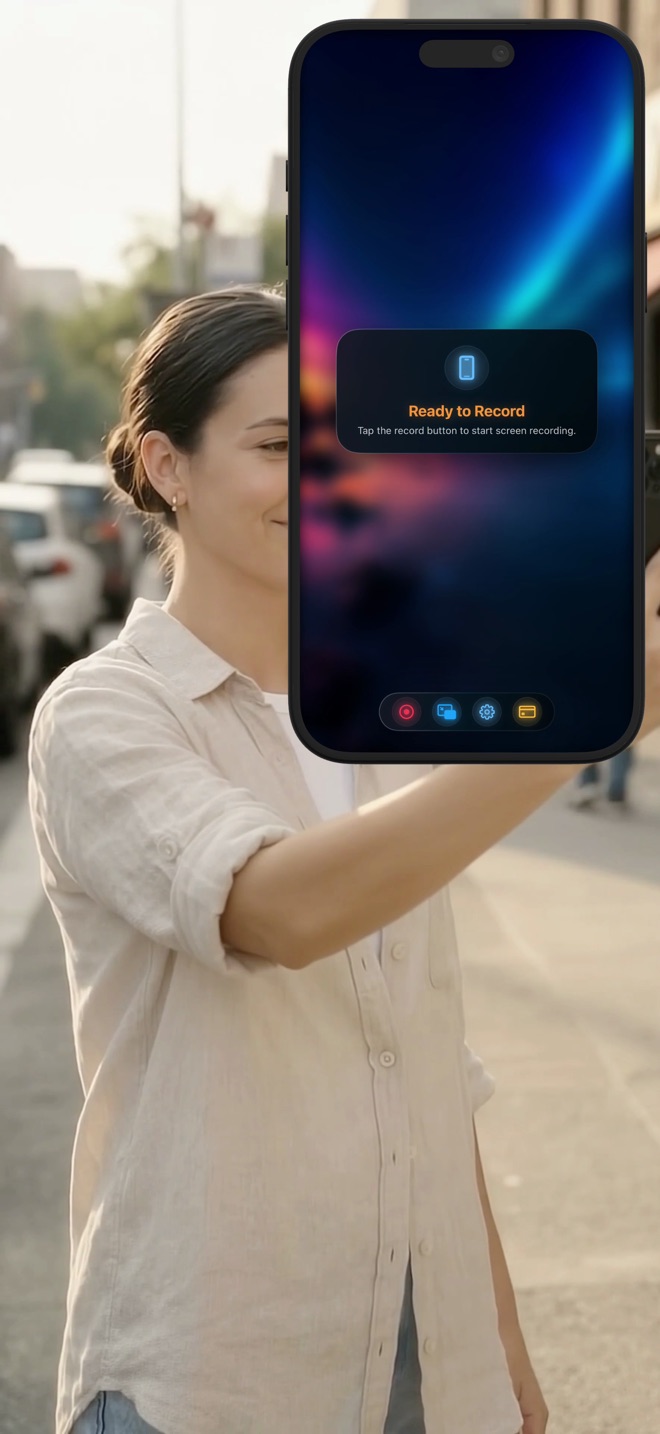 How to screen record on iPhone — and how to be in the videoRecording your iPhone screen with the built-in recorder, step by step, what it cannot do, and how to capture the screen and your camera in one take without editing them together.
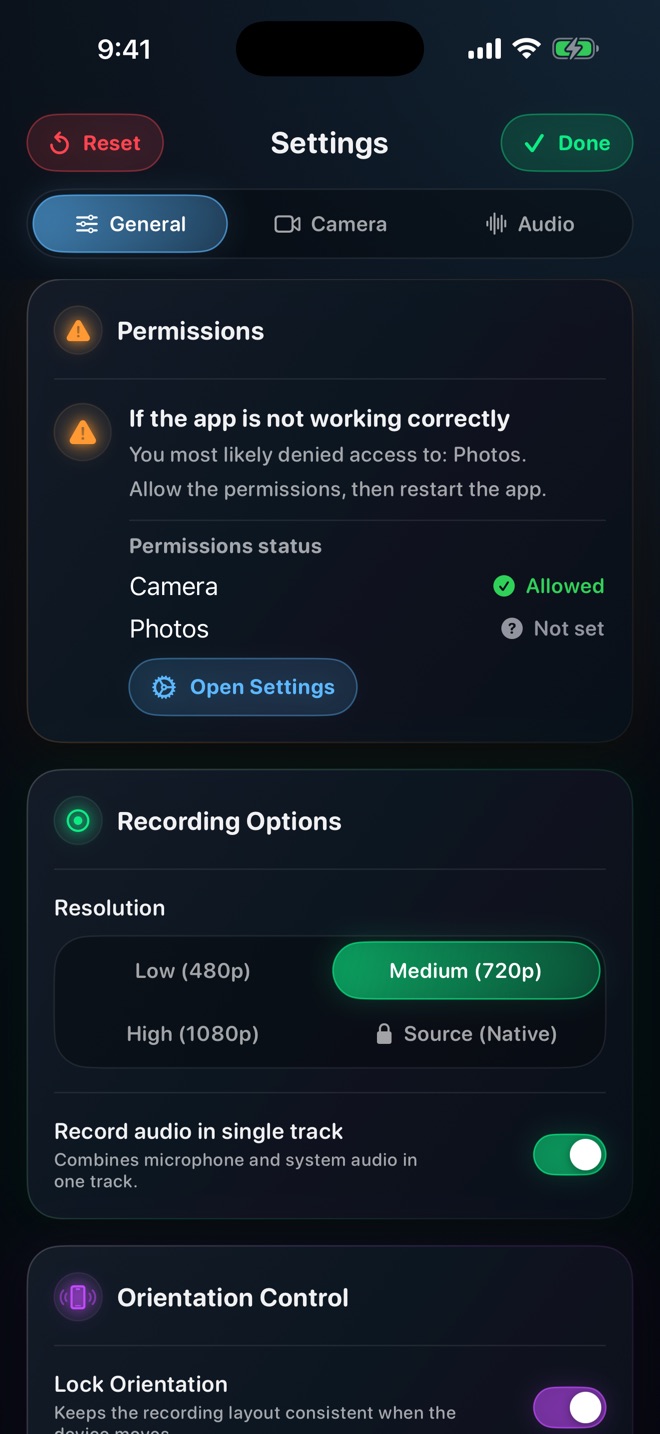 Does iPhone screen recording record sound? Yes — but not the half you expectHow iOS captures internal app audio and your microphone in a screen recording, why the two behave differently, how to get both, and what iOS will never let any recorder capture.
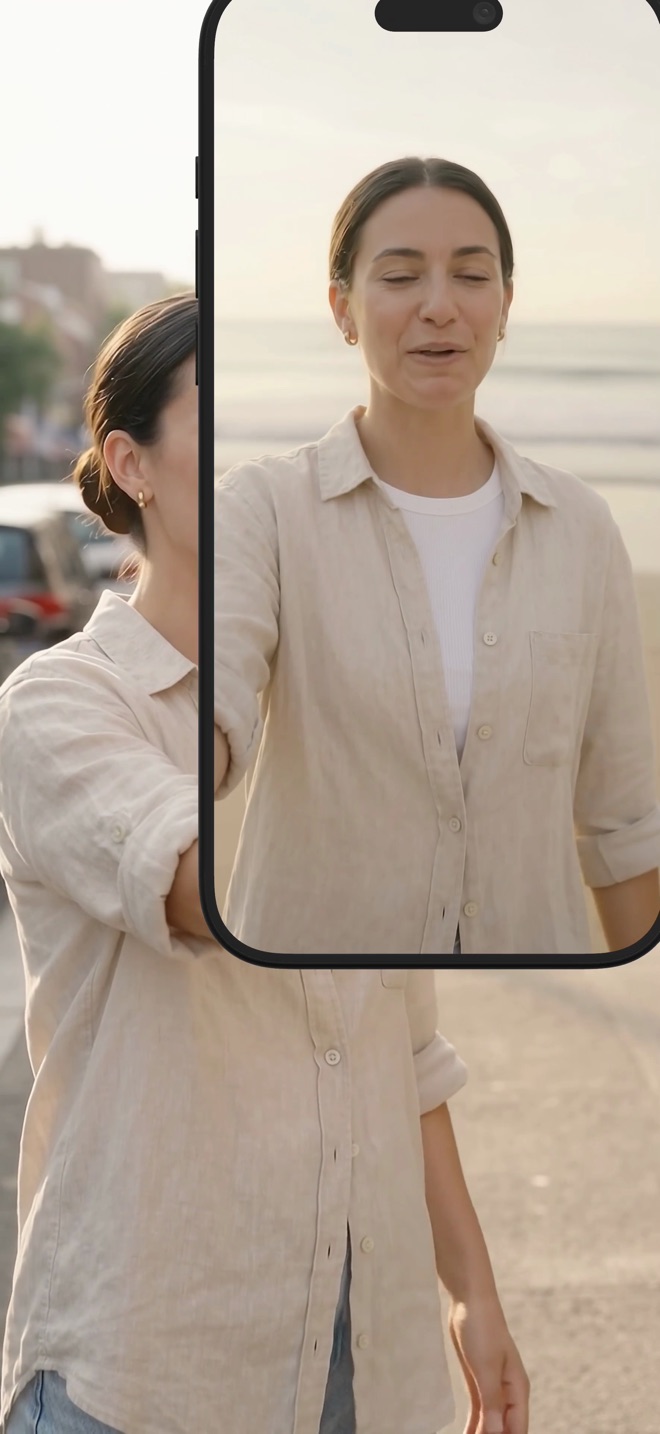 How to make a reaction video on iPhone with your cameraPlay a clip inside the recorder and record it together with your camera, so a reaction, a commentary or a walkthrough is one take instead of two files.
- Picture-in-picture camera overlay for screen recordings, explainedWhat a PiP camera overlay is, how it differs from a floating in-app camera, and when each one is the right choice for a recording on iPhone or Mac.
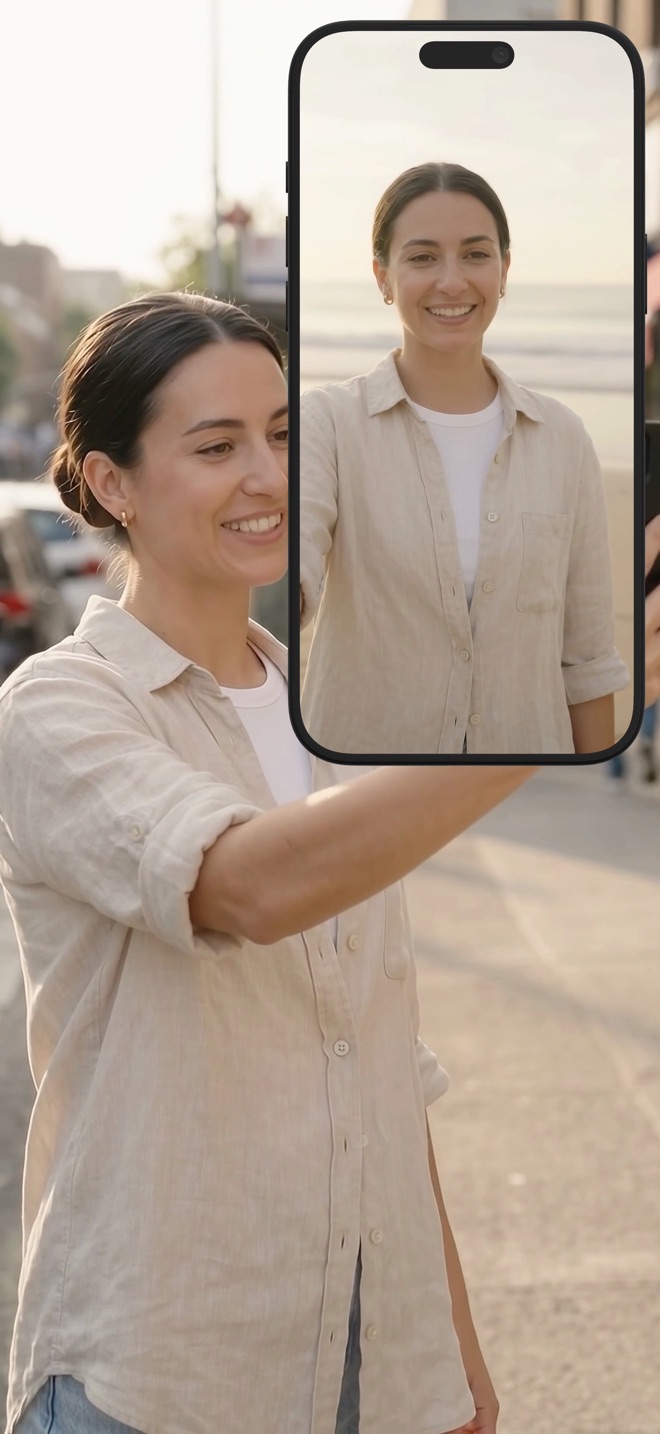 How to screen record on a Mac — with your camera and the Mac's own soundRecording a Mac screen with the built-in Shift-Command-5 recorder, the two things it will not capture, and how to get a presenter-style recording with the camera in the corner and system audio included.
- Screen recording has no sound? Find the cause in under a minuteWhy an iPhone, iPad or Mac screen recording comes out silent — the silent switch, microphone permission, levels at zero, protected audio, two audio tracks — and the fix for each.
- Record a video with live translation on screen — and your face in itRecord the screen, your camera and your voice while GPT Realtime Assistant translates what you say, on iPhone, iPad or Mac: the setup and the order.
 Keep a screen recording in portrait — orientation lock, explainedWhy a screen recording flips to landscape halfway through, what iOS's rotation lock does and does not do, and how Reel's orientation lock keeps the layout fixed.
- Record iPhone gameplay with a facecamHow to record a mobile game with your camera in the corner: orientation, keeping the bubble out of the HUD, game audio versus voice, and file sizes for long sessions.