Record iPhone gameplay with a facecam
Gameplay with a facecam is the format that made streaming, and on a phone it needs two things the built-in recorder does not have: a camera in the frame and control over which sounds you keep.
Orientation first
Most games are landscape. Lock Orientation to landscape in Reel before you start, hold the phone that way, and the recording will not flip when a menu appears in portrait.
Where the bubble goes
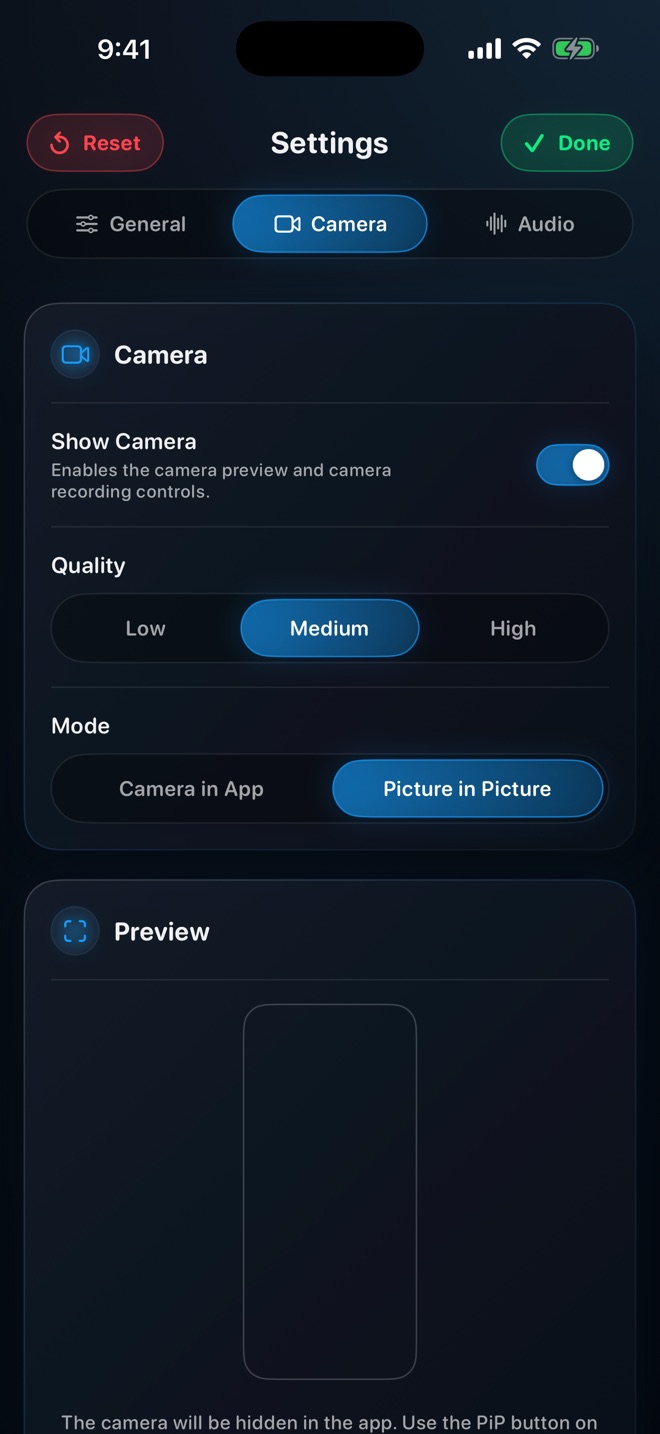
Games put their HUD in the corners — health, minimap, controls. Choose Picture in Picture, start the game, and drag the bubble to whichever corner the game leaves empty. Do it before the match; you will not want to during.
Game audio and your voice
Keep both, as separate tracks. Game audio is the atmosphere; your voice is the commentary. Recording them separately means you can lower the game under your voice afterwards, or cut a match's music if a platform objects to it. Turn off Record audio in single track.
Long sessions
1080p for an hour is a large file. For sessions you will trim to highlights, 720p is often enough — games are big shapes and motion, not small text. Storage and battery both run down; plug in.
Performance
Recording costs the game some headroom. Demanding games may drop frames while capturing at native; 1080p or 720p leaves more for the game itself.
Will the game's anti-cheat block recording?
Screen recording through ReplayKit is a system feature and games generally allow it. A few block their audio; that is case 4 in the no-sound guide.