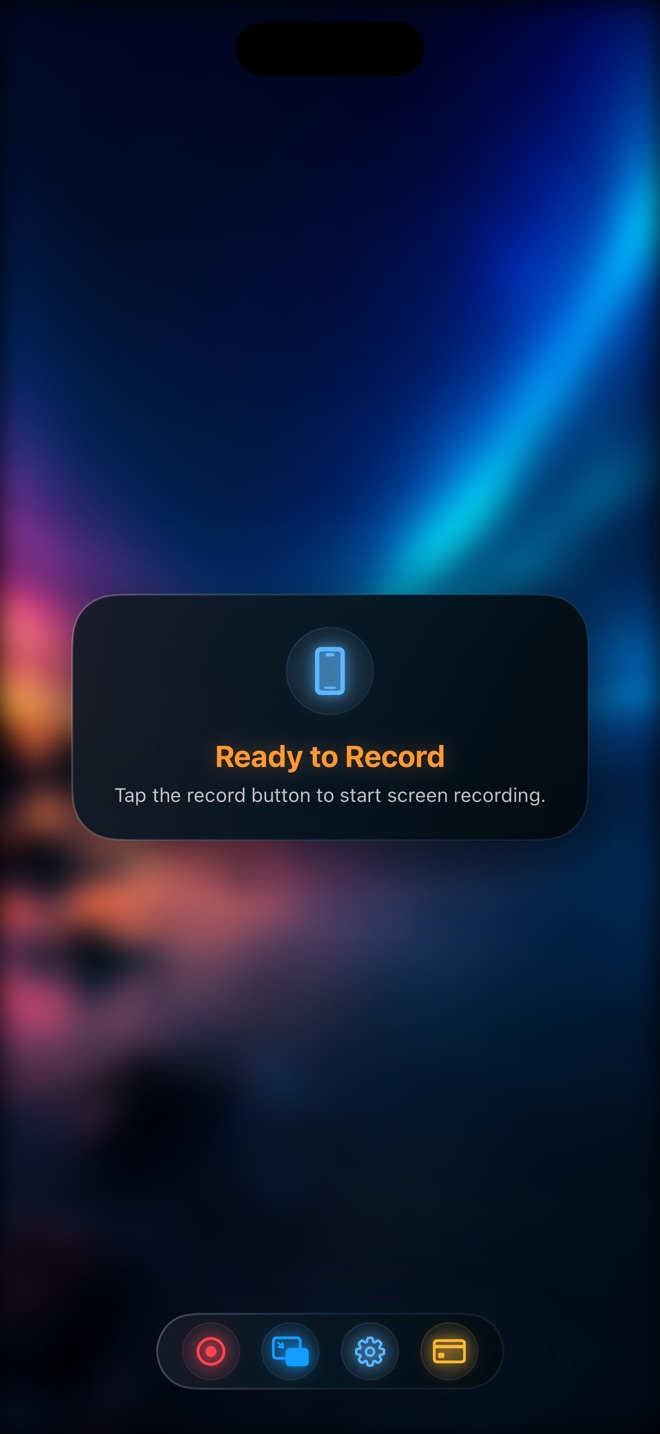
Reel vs the built-in iPhone screen recorder
The recorder in Control Centre is free, always there and good. For a lot of recordings it is the right tool. This is an honest account of where it stops and what Reel adds, so you can decide whether you need the second one.
What the built-in recorder is good at
Capturing the screen, quickly, at the device's native resolution, with the microphone on if you long-press the button and turn it on. For a bug report, a quick how-to for a friend, or saving something before it disappears, it is exactly enough and there is no reason to install anything.
What it cannot do
- Show your camera. There is no way to have your face in the recording.
- Control app audio and mic audio separately. It is one on/off for the mic and whatever the app plays.
- Choose a resolution. It records at native size, which makes large files for a two-minute clip.
- Lock orientation, add a background behind a camera, or play a video inside itself to react to.
- Exclude or include specific windows on Mac, or start from a keyboard shortcut.
What Reel adds
All of the above, and the camera is the reason it exists. Screen and camera are captured together into one file; the camera can float, sit in native Picture in Picture, or on Mac live in its own pop-out window. Mic and app audio are separate levels. Resolution is a choice — 480p, 720p, 1080p free, native with Pro. Orientation locks. Backgrounds go behind the camera.
It uses the same system capture the built-in recorder does — ReplayKit on iOS, ScreenCaptureKit on Mac — so there is no quality penalty for the extras.
When to use which
No face, no audio mixing, no particular size: use the built-in one. Anything with a person in it, anything you will publish, anything where the sound matters: Reel.
Is Reel free?
Yes, with ads between sessions. Pro removes the ads and adds native-resolution recording; that is the entire difference.
Does Reel record in higher quality than the built-in recorder?
At the Source (Native) tier, the same resolution. The free tiers are lower, on purpose, so files are smaller.