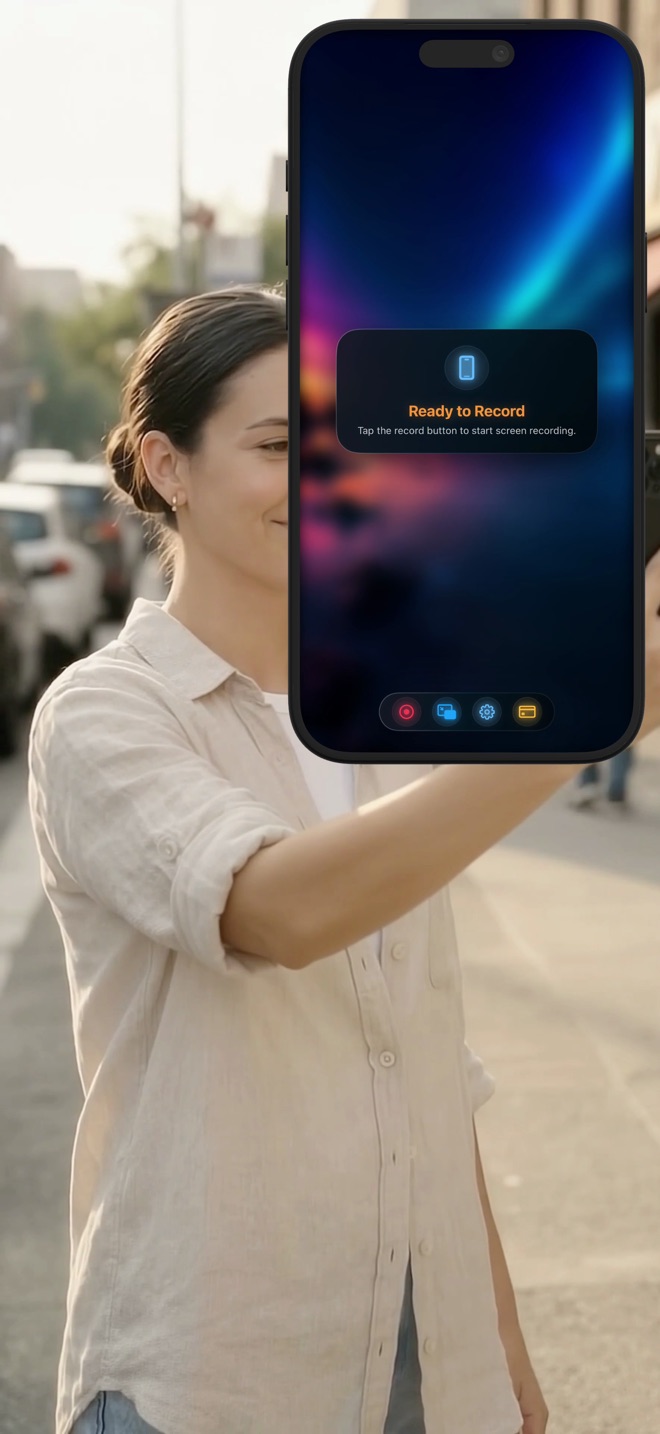
Frame a screen tutorial for vertical short video
A phone screen and a short-video canvas can have different shapes. Decide how the important interface and the presenter will fit before recording. Cropping an entire phone image into a vertical template after the lesson is finished can remove the very control you meant to explain.
Start with a destination, not a device assumption
Check the current uploader requirements for the service you will use. YouTube’s official Shorts guidance describes eligible square or vertical uploads up to three minutes under its stated channel/date rules. That is not a universal specification for every service called Reels or Shorts.
For this worked layout, choose a 1080 × 1920 design canvas. It is an illustrative 9:16 editing choice, not a claim that every source device has that screen ratio or that all platforms require exactly those dimensions.
Decide between fitting and cropping
Fitting the whole screen retains its edges but can leave space above, below or beside the picture. Cropping fills more of the canvas but removes content. Choose deliberately by locating the labels and action the viewer needs.
Suppose a portrait capture is 1206 × 2622. Fitting its height to 1920 gives a width of about 883 pixels, leaving roughly 197 pixels of total horizontal space on a 1080-wide canvas. Filling the width instead makes it about 2348 pixels high, so approximately 428 pixels must be removed vertically. These are layout calculations, not a preset recommendation.
Rehearse the actual interaction region
Create a short safe take showing the first control, the longest menu and the final result. Place the presenter where those items remain visible. If different steps occupy opposite corners, change the lesson layout rather than forcing one camera position over all of them.
Keep key text away from edges that the destination player may cover with its interface. This guide does not supply fixed safe-area numbers for every social app. Inspect the current preview on the target service and device.
Use an editor for composition the recorder does not provide
A screen recorder captures; an editing canvas arranges the captured picture for the destination. This article does not claim Reel automatically crops every device to 9:16, adds subtitles or creates a social template. Use a documented editor workflow if those changes are needed.
Keep a full-screen original before cutting away information. If a crop makes a tap unclear, consider a closer second take of that panel instead of enlarging a small region until text falls apart. A short tutorial still needs a visible cause and result.
Inspect the posted rendition
Upload a private or otherwise appropriately limited test if the service supports it. Watch on a phone at ordinary size, with and without sound. Confirm the result survives processing and that overlays do not cover the important step.
Record the accepted canvas, source framing and camera placement for the next lesson. Platform rules, content rights and music restrictions remain separate checks; a correct aspect ratio alone does not guarantee publication, recommendation or monetisation.
Does a portrait recording already equal 9:16?
Not necessarily. Inspect the source dimensions and decide whether to fit or crop.
Will the same export work unchanged on every short-video service?
Do not assume so. Check each destination’s current upload rules and processed preview.