Storyboard a tutorial with a presenter and one visible result
A useful tutorial lets the viewer repeat one task. A face camera can explain the action, but it cannot replace a visible starting state or proof that the task succeeded. Plan the lesson before opening the recorder, then rehearse the exact sequence with safe sample data.
Define the outcome in one sentence
Choose a specific result, such as “create a shared note and show who can open it.” Avoid a promise as broad as “learn the entire app.” Write down what the viewer needs before starting: the relevant account, version and permissions, without putting private credentials on screen.
For a fictional calendar lesson, the outcome might be moving one appointment without changing the series. The opening shot must establish the selected date and item. The final shot must show the changed appointment and the unchanged neighbour, not merely the Save button.
Build three action beats
Break the task into an opening choice, the main change and a final check. Each beat should name a visible action and what it proves. If you need twelve unrelated detours, split the tutorial instead of speaking faster.
Draft short prompts for your narration rather than reading a wall of text. Speak the reason for the action when it matters: “I am choosing this event only” conveys more than describing the colour of the button.
Place the face camera around the content
Use a small safe rehearsal to find the area that stays clear across all three beats. Menus and keyboards can appear where the opening screen was empty. If the bubble covers a confirmation, change the layout before recording.
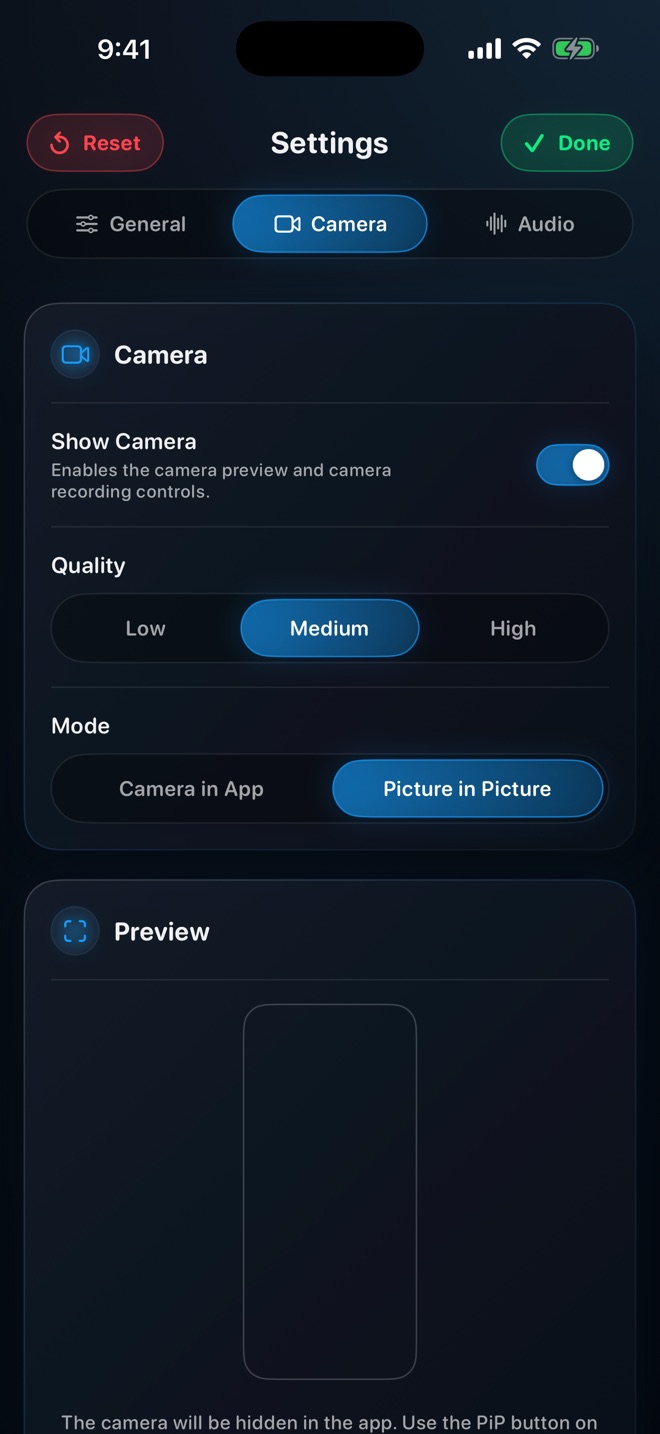
Reel distinguishes its in-app camera from system Picture in Picture. For another-app demonstrations on iPhone or iPad, verify the PiP workflow; an in-app preview does not imply the camera remains visible after switching apps. The existing camera guide explains that setup separately.
Record the lesson as a repeatable sequence
Reset to the agreed starting state, begin the take and leave a small pause before the first action. Move deliberately enough for the viewer to identify the control. Hold the result instead of ending the instant the interface changes.
If a mistake changes the state, stop and reset. Do not continue into a second, incompatible explanation just to avoid another take. A clean short retake can be easier to understand and edit than an improvised correction inside the same recording.
Review against the task, not your memory
Watch the file without relying on what you know happened. Can a new viewer identify the starting item, the choice you made and the successful outcome? Check the smallest label and whether narration describes the same action visible at that moment.
Ask a colleague to repeat the task using only the clip, if practical. Their confusion identifies a missing instruction more usefully than an assumed engagement statistic. This is an editorial exercise, not a promise that a face camera increases views, completion or sales.
Should the presenter fill half the video?
Only if that suits the explanation. Keep the interface large enough to read and the important controls unobstructed.
Do I need to explain every setting first?
Explain the prerequisites for this one outcome. Link a separate setup guide rather than turning a short task into a complete app tour.