Record a fair comparison of two app workflows
A side-by-side comparison feels objective because viewers can see both apps. It is only fair if the conditions match and the editing does not hide anything that would change a viewer’s conclusion.
Match the conditions
Note the system version from Settings > General > About on iPhone or iPad, and each app’s version from its own About screen or installed-app information. The App Store page may describe a newer version than the one installed.
- The same task, defined in writing before you record.
- The same device, system version and network.
- Current versions of both apps, shown on screen.
- Comparable accounts: both new, or both with similar data.
- The same plan level, or a clear statement that one is free and one is paid.
Record each app the same way
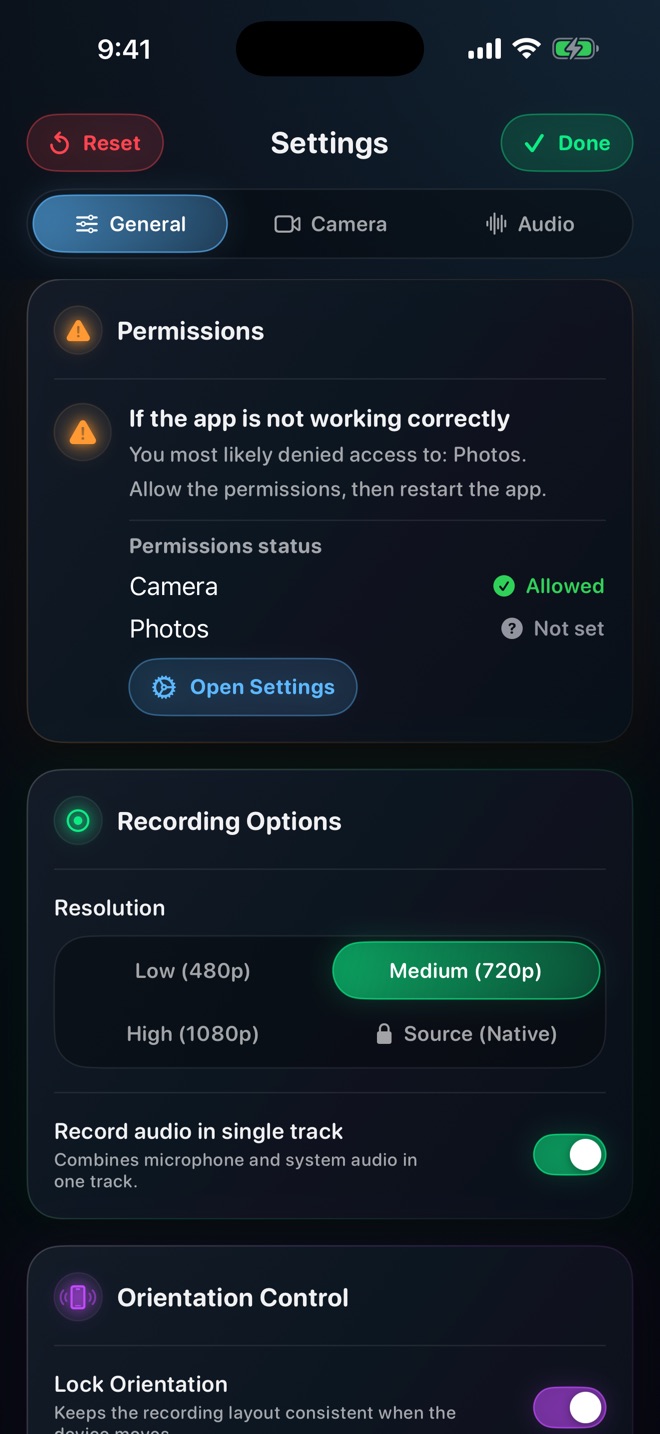
Record each app separately with the same recorder settings, then place the clips side by side in an editor. Apple’s iMovie guide for iPhone describes a split-screen overlay that places two clips side by side or one above the other. With Reel, keep the quality setting and orientation identical for both takes, and keep the camera overlay off or in the same position for both so it does not hide different parts of each interface.
Disclose every edit that matters
If you cut loading time, sign-in or a crash and restart from one app, say so on screen at that point. Cutting waits from one side only is the quickest way to make a comparison misleading. If both sides had waits removed, identify where and how much was cut whenever it could affect the comparison; a general disclaimer does not explain an important timing edit.
Show failures as well as successes. If one app needed two attempts, include both or say so.
Be careful with speed and performance
One recording of each app is one sample. Network conditions, background activity and caching can change a timing from run to run, and screen recording itself uses device resources. Do not present a single run as a performance result. If speed is the point, repeat each task several times, report all the timings and how you measured them, and still describe the conclusion as limited to your device and conditions.
Workflow comparisons are on firmer ground: the number of steps, which screens are involved and what the user has to know are visible in the recording itself.
Worked example: making a shared checklist in two notes apps
The honest conclusion is about steps and screens, such as “app A needs four taps to reach sharing, app B needs six”, not which app is faster.
- Define the task: create a note titled Groceries with three checklist items and share it with a sample contact.
- On one iPhone, update both apps and record each version number.
- Record app A completing the task from its home screen, then app B, with the same sample contact.
- Place the clips side by side and add a step counter for each.
- Note on screen that a two-second sync wait was removed from both clips.
Can I compare an app on iPhone with one on Mac?
You can show both, but it is not a like-for-like comparison. Say so, and avoid conclusions that depend on the platform.
Do I need permission to show another company’s app?
Check the terms that apply to you and avoid showing private data. When in doubt, ask the publisher or seek advice.