Record a pronunciation lesson with visible text
A pronunciation lesson needs the learner to hear the sound, see how it is written and see the speaker’s mouth, all at once. That is a planning problem more than a recording problem.
Plan the text for each item
Prepare one slide or note per word or short phrase, with large type. Include what the learner needs and no more:
- The word in its normal spelling.
- A pronunciation aid you can vouch for, such as IPA or marked stress.
- A short example sentence.
- A translation only if you have checked it yourself or with a fluent speaker.
Don’t rely on unchecked translation
Automatic translation and transcription can be wrong in exactly the places a pronunciation lesson focuses on: near-homophones, regional forms and stress. Check every gloss and every caption against a dictionary or a fluent speaker before recording.
This is different from recording a live translated conversation, where the translation is part of what you are showing. For that, see the separate guide on recording video with live translation.
Model, pause, model
Keep the pauses in the final video. Cutting them makes the lesson shorter but removes the time the learner needs to practise.
- Show the text first and let the learner read it for a moment.
- Say the word clearly at natural speed.
- Pause long enough for the learner to repeat it aloud.
- Say it again, the same way.
- For difficult sounds, add one slow version, then return to natural speed.
Worked example: three phrases for asking directions
Prepare three teacher-checked phrases: asking where a station is, asking someone to repeat, and thanking them. Put one phrase on each slide with its meaning and any checked pronunciation aid. Model the first phrase, leave a visible repeat prompt and enough silence for an answer, then model it again. Repeat for the next two slides.
Finish with a short dialogue using the same phrases in order. Tell the learner which role to answer during each pause, and provide a complete written version. Choose wording and pronunciation appropriate to the dialect you are teaching; this is a lesson structure, not a claim that a camera can demonstrate every articulation.
Camera and sound
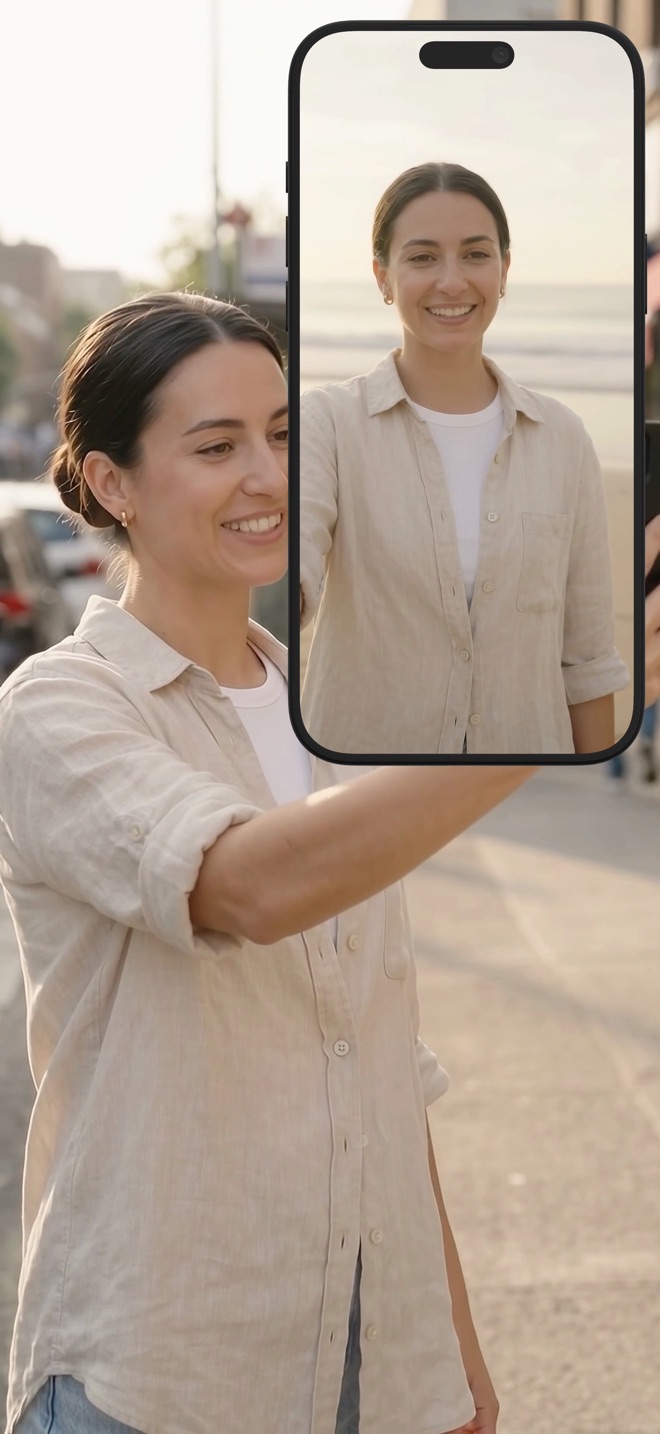
With Reel, your camera appears as an overlay on the screen recording, and you can make it larger. For pronunciation, size it so the mouth is clearly visible on a phone screen, and place it where it does not cover the word. Background blur or replacement can remove a distracting room; check that the effect does not blur the edges of your face when you move.
Clean speech matters more than picture quality. Record in a quiet room, keep the microphone at a steady distance, and play back a short test on headphones before recording the full lesson.
Captions and language labels
If you add captions, they must match exactly what you say, including the words in the target language. When publishing on the web, mark the caption language: MDN notes that a track’s srclang must be a valid BCP 47 language tag. W3C’s caption guidance also asks for meaningful sound information. Separately, a visible “Your turn: repeat” prompt can explain a deliberate practice pause; it is an instructional cue, not a sound caption.
Should I speak slowly throughout?
Use natural speed as the main model. Add a slow version only for difficult sounds, then return to natural speed.
Can I use automatic captions?
Only after checking them line by line. Errors in a pronunciation lesson teach the wrong thing.