Test an external microphone before a screen recording
A connected headset can play sound while a different microphone supplies the recording. Establish the input route before adjusting levels. Use a short spoken sample and listen to the saved file; the accessory’s name or a Bluetooth connection alone is not sufficient evidence.
Separate input from output
Write down the intended microphone and the device where it is connected. Headphones are an output; some headsets also provide an input, but those routes need not be selected together. A USB microphone can also have a headphone socket that serves monitoring rather than capture.
Consult the accessory manufacturer for the device and adapter combination. This guide does not promise that every USB, wireless or analogue microphone works through every iPhone, iPad or Mac connection.
Check permission in the recording application
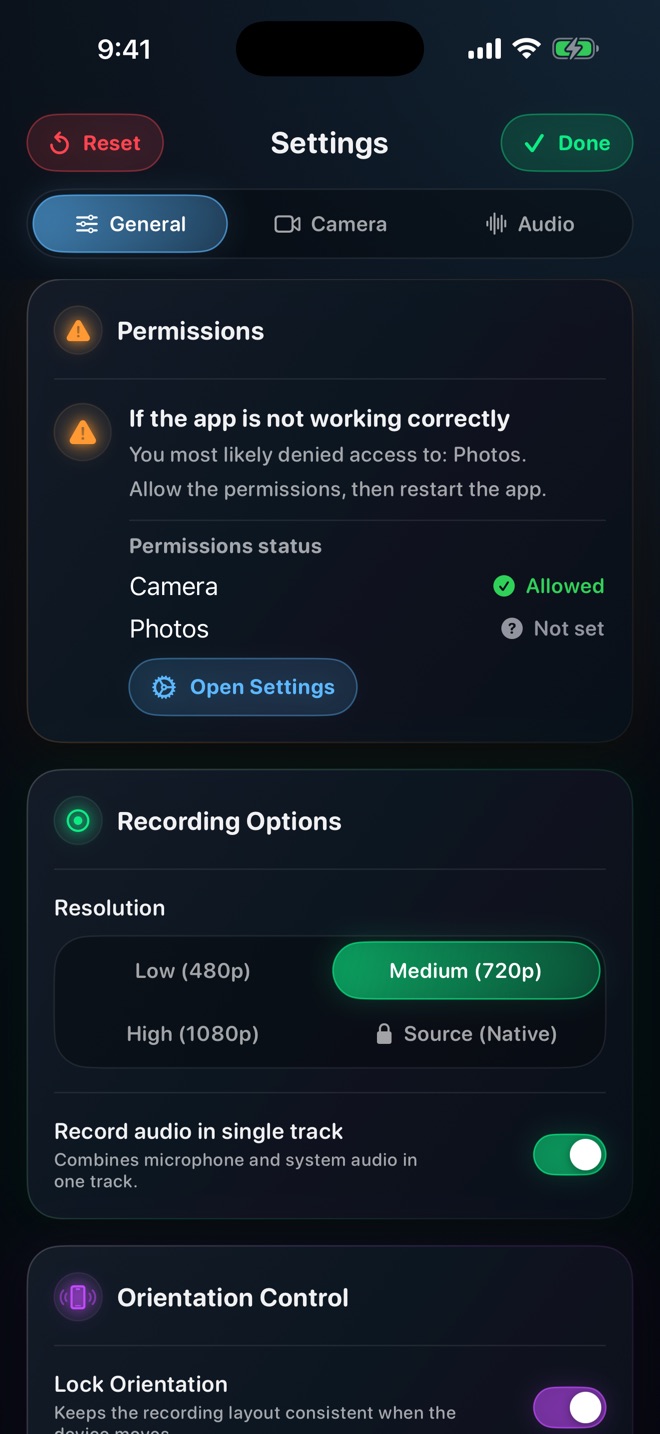
Apple documents Microphone access in Mac Privacy & Security separately from screen-recording permission. Its troubleshooting guide recommends exiting the recording app, checking that permission and trying again. That applies to audio input, not a guarantee of screen or system-audio capture.
If the app provides an input selector, select the intended device and inspect its response to speech. Loom documents its microphone selection explicitly; another recorder may use a different control or the current system route. Do not borrow one application’s menu labels for another.
Make the input identifiable
Place the intended microphone close enough for comfortable speech and keep the other possible mic farther away. Say the accessory name and a short phrase, then lightly touch its stand or move your position without hitting the capsule. Avoid loud taps or blowing into a microphone.
Make a comparison with the accessory disconnected only after stopping the first sample. Listen to both files at a consistent playback volume. A large change is a useful clue, but the application’s device information remains important evidence of the selected route.
Test the whole lesson configuration
Record narration while the demonstrated app plays an allowed sound if both are required. Check whether a wireless connection changes during app switching or whether a cable is disturbed when you rotate the device.
Listen for one-sided audio, intermittent dropouts and clothing contact, not only overall loudness. If the mic is silent, investigate route and permission before raising gain. More gain cannot fix an input that was never selected.
Freeze the setup for the final take
Keep the same input, connection and placement after the successful sample. If you switch a hub, reconnect a headset or relaunch the app, confirm the route again. Save a note with the accessory model and working connection for the next session.
When asking support, provide device, OS, recorder version and the exact accessory path. A harmless short reproduction is more useful than “my microphone is broken.” Keep the original recording while diagnosing it; do not overwrite evidence with repeated exports.
I hear playback in my headset. Is its microphone active?
Not necessarily. Verify the input route and a saved speech sample.
Should I raise the volume when there is no voice at all?
First check whether the intended input is selected and permitted. Raising gain on the wrong or unavailable route does not capture the missing voice.