Procreate Time-Lapse vs Live PiP Facecam Recording on iPad: When to Use Each
Procreate’s automatic Time-Lapse Replay is magical for 30-second speedpaint Reels, yet completely useless when teaching *how* you painted something—because Time-Lapse strips out brush menus, layer opacity sliders, pinch zooms, and spoken commentary. Or combine both!
Two winning workflows for Procreate artists on iPad & iPhone
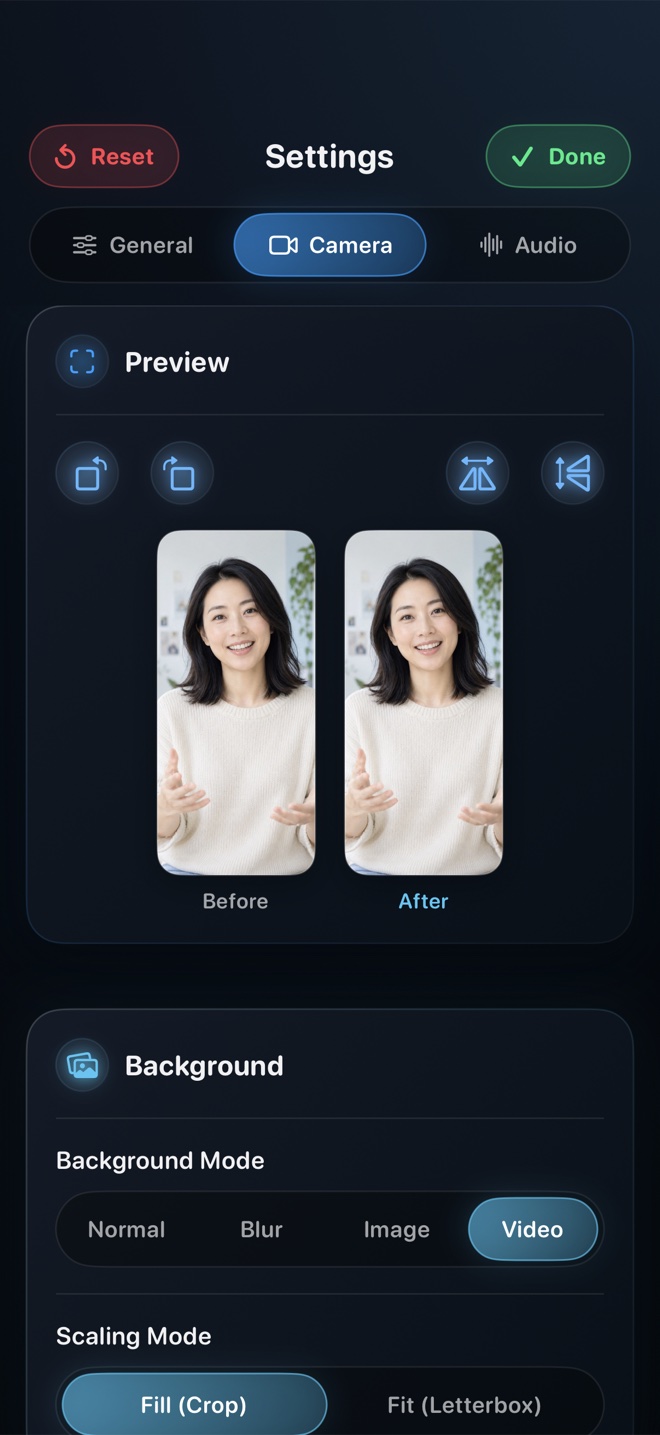
**1. Real-Time Brush & Layer Tutorial:** Start Reel in Picture-in-Picture mode on iPad, open Procreate, and teach a 5-minute shading technique live—students see your exact brush settings, layers, and facecam.
**2. Reacting / Narrating Over Your Exported 30s Procreate Time-Lapse:** Export your finished 30-second Procreate Time-Lapse to Photos, open that clip inside **Reel’s built-in video player**, and record your live on-camera breakdown over the speedpaint in sixty seconds!
Does Reel capture full-color accuracy on iPad Pro Tandem OLED / Liquid Retina displays?
Yes—keep True Tone and Night Shift turned OFF on your iPad while painting and recording so colors stay accurate.