How to Record Front Camera + Screen (or Dual Camera Views) at the Same Time on iPhone
Creators often search for "dual camera recording on iPhone" for two different reasons: filming a software walkthrough with their selfie camera on top, or showing what is in front of them through the back lens while reacting with the front lens. Both work in one take once you understand how Picture in Picture interacts with iOS apps.
Scenario 1: Front camera + any app screen at the same time
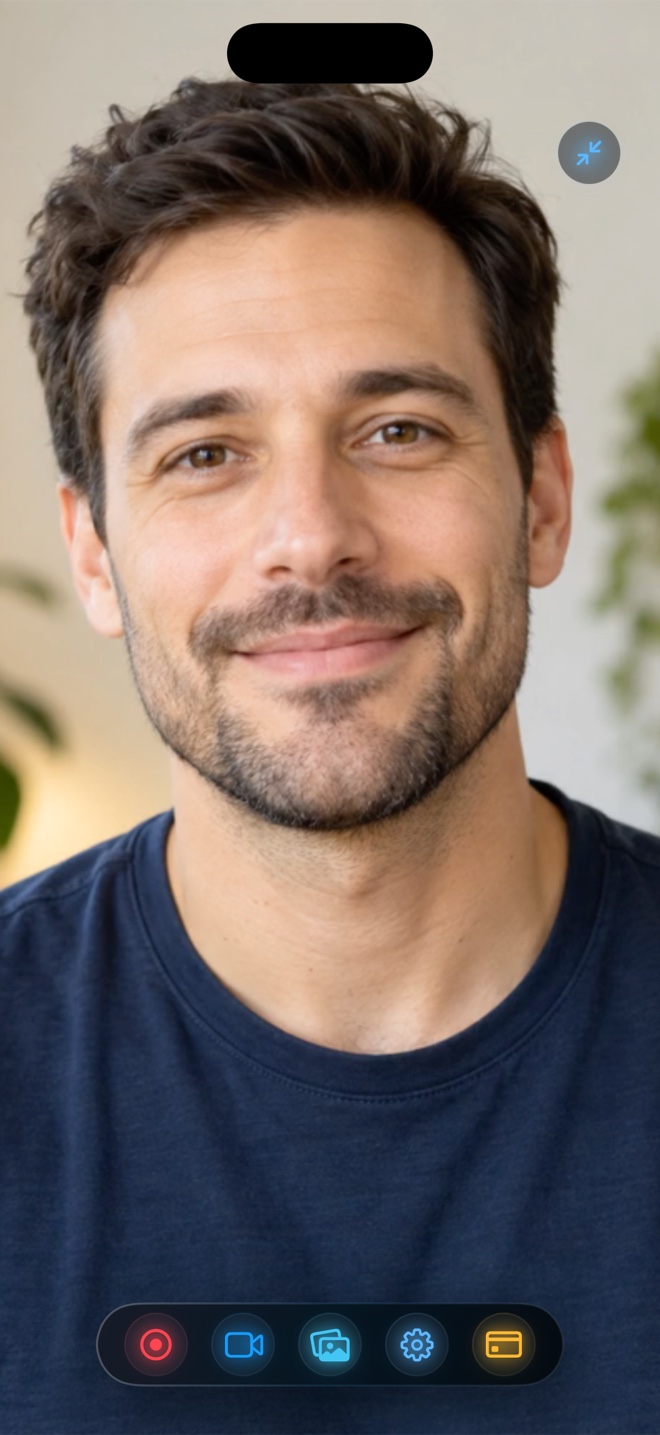
This is Reel’s core workflow on iPhone and iPad. Reel opens your front TrueDepth camera inside a native iOS Picture-in-Picture window, and Apple’s ReplayKit records the entire display plus that floating camera bubble into a single MP4.
You can switch between Safari, games, social apps, spreadsheets, or your own TestFlight build while your face stays live in the corner.
Scenario 2: Hardware limitation when two apps request the camera at once
On iOS, opening Apple’s stock Camera app normally preempts camera hardware from background PiP sessions unless multi-cam session sharing is active. If you switch into another camera-heavy app such as Snapchat or the native Camera viewfinder and your PiP bubble pauses, that is iOS enforcing single-client camera priority rather than a crash.
When you want to show physical hardware, unboxing footage, or real-world video alongside your facecam without camera contention, shoot the back-camera clip first at full sensor quality, then open that clip inside Reel’s built-in iOS video player and record your live front-camera reaction over it.
Positioning and framing so neither view feels cramped
Keep the floating PiP window at its compact or medium system size in an upper corner on vertical 9:16 recordings, leaving the center 70% of the screen clear for the main subject. Turn on Lock Orientation before starting so tilting the phone downward over a desk does not flip the video sideways.
Why did my PiP facecam freeze when I opened the iPhone Camera app?
iOS grants exclusive camera hardware priority to the foreground Camera app. Record apps, browsers, games, or pre-shot clips in Reel’s player so the front camera stays active throughout.
Does recording screen and front camera together drain battery faster?
Running hardware HEVC/H.264 encoding plus the camera sensor uses moderate power; recording at 1080p instead of full Retina Native keeps thermals cool on long takes.