Fix mirrored text in a camera inset
A camera preview can feel natural as a mirror while making a book title or whiteboard unreadable. Diagnose the saved result before changing anything, because flipping the entire screen recording can create a second problem.
Use a clear orientation test
Hold a card with a short ordinary word and an asymmetric mark beside your face. Record a few seconds with the same camera mode and layout planned for the lesson. Open the saved video and read the card; do not decide solely from the live preview.
Check the screen content separately. The app’s menu labels should read normally while the card reveals camera orientation. This distinguishes a camera-only issue from a player or whole-frame transform. Save the short comparison so you can verify which setting produced the desired result.
Change the camera before recording when possible
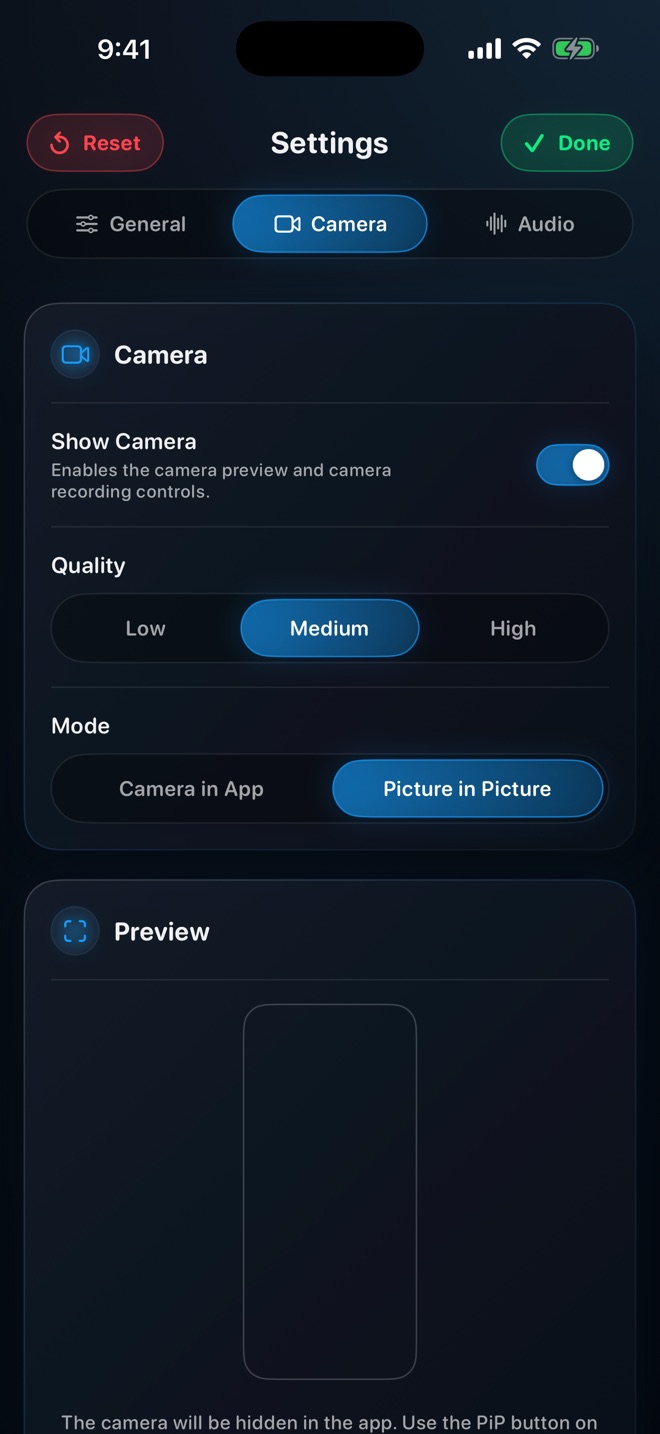
Use a camera-specific flip control if your chosen recorder exposes one for that mode. Verify its effect on a new saved sample. Control availability can differ across desktop, mobile and browser versions, so a tutorial for another app is not evidence of the same option in Reel.
For Loom desktop, Atlassian documents Flip camera in Settings > Video & Audio and says text should be checked with that option off. Its Chrome extension has a separate setting, and its iOS front-camera behavior differs. Follow the documentation for the product and platform you are actually using.
- Record a readable card in the planned camera layout.
- Compare the saved camera image with the saved app interface.
- Change only the relevant camera setting, if available.
- Repeat the card test before recording the full lesson.
Avoid flipping a finished composite blindly
If the face and screen have already been combined into one rendered picture, a horizontal flip reverses both. That may repair the card while making menus, numbers and pointer movement wrong. A normal editor transform does not automatically separate the camera from the screen underneath.
If you retained independent camera footage, flip that layer in an editor that supports it. If not, replacing the camera portion or rerecording a short explanation may be cleaner than trying to reconstruct content hidden behind it. Do not promise recovery of pixels that were covered during capture.
Check the lesson’s directional language
A correctly readable card can still conflict with narration such as “on my left.” Prefer the visible object’s name or its position in the finished frame. For a hand demonstration, decide which perspective the audience needs and keep it consistent.
Review the exported video after any crop or layout change. Keep the test short and specific rather than treating one passing clip as proof for every camera mode. Arte Soft publishes Reel; this guide distinguishes a general diagnosis from the cited Loom controls.
Is a mirrored preview always a problem?
No. The saved output is what the audience receives. Check it before changing a preview that may intentionally behave like a mirror.
Can I flip the whole video to fix a camera inset?
That also flips the screen interface. Use an independent camera layer when available, or recapture the affected part.