Prepare a screen tutorial when internet access is unreliable
A recorder saving a local file does not make the demonstrated app work offline. Prepare the lesson by identifying which parts need the network and which can be completed and verified on the device.
Map the dependencies before leaving
List the material the lesson will open: documents, web pages, media, fonts, account screens and cloud-only data. Confirm that required items are actually available locally rather than represented by a thumbnail or an online placeholder. Respect the source application’s download and usage rules.
Separate capture from delivery. You may be able to make a local recording while a video host, transcription service or upload remains unavailable. A visible file is not proof that a cloud service has received or processed it.
Choose a workflow you can verify
Apple’s Mac Screenshot workflow lets you choose a save location and creates a recording file after stopping. That is a useful local-output model, but it says nothing about whether the application being demonstrated needs a server. Check microphone and capture permissions before the lesson rather than depending on first-run prompts at the last moment.
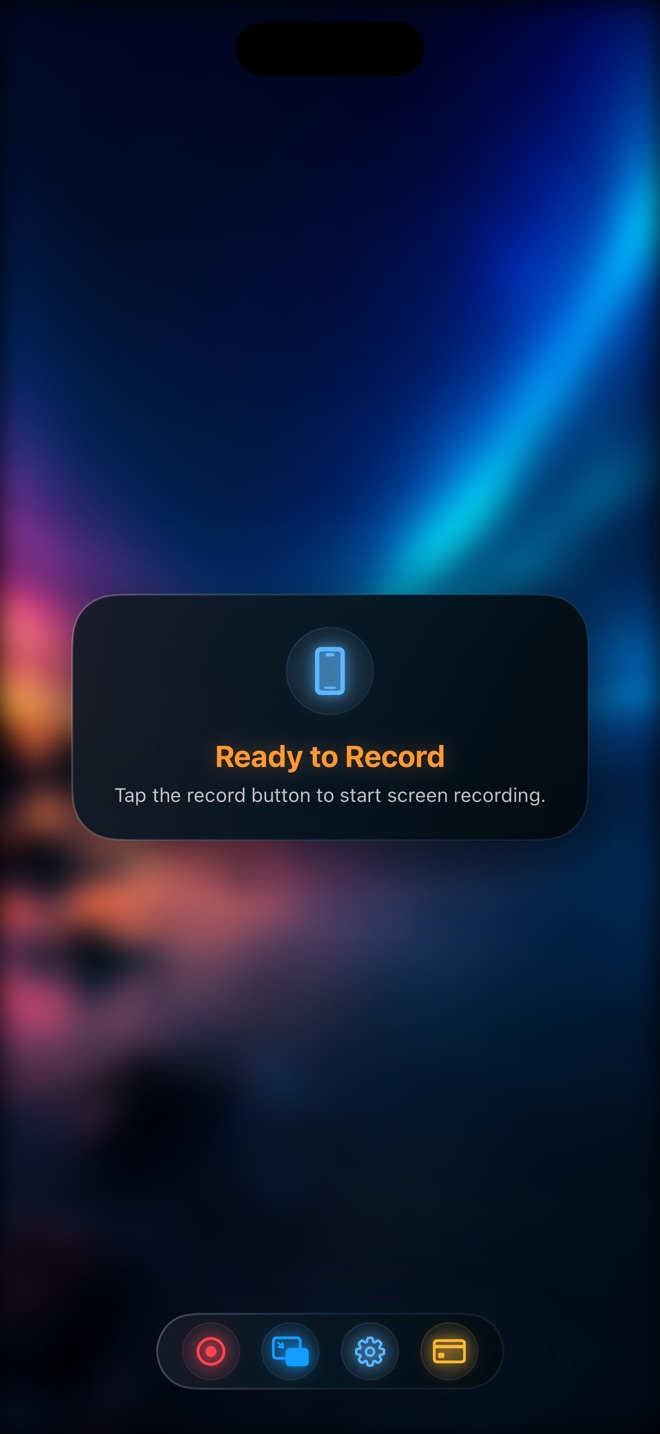
For Reel, do not infer universal offline behavior from local saving or the absence of an account requirement for basic use. Test your chosen capture mode, assets and saved playback in the intended conditions. Ads, purchases, online content and external services have separate dependencies.
- Identify the parts of the lesson that require internet access.
- Prepare permitted local demonstration material.
- Rehearse a representative capture in the intended connectivity conditions.
- Open and play the saved result before relying on the setup.
Plan an honest fallback for unavailable content
If an online result cannot be demonstrated, use a clearly labelled previously captured example or postpone that step. Do not present a cached screen as a live successful transaction. Tell the viewer which part is illustrative and which action they can perform locally.
For a document tutorial, a local sample may be enough to teach formatting while synchronization is deferred. For a server-permission tutorial, the network interaction may be the whole point; an offline substitute cannot establish the same result.
Finish delivery when connectivity returns
Keep the original file until the upload is confirmed and the hosted version plays correctly. Verify any captions or thumbnails generated later rather than assuming a queued operation finished. Avoid repeatedly uploading identical copies without checking the service’s status.
Document what remains to be done, such as publishing or sharing with the recipient. Arte Soft publishes Reel; this workflow does not promise automatic retry, unlimited offline recording, cloud recovery or conflict-free synchronization.
Does a local recording mean the whole workflow is offline?
No. The demonstrated content, permission checks, purchases, transcription and sharing can have their own network requirements.
Should I delete the local file after starting an upload?
Keep the needed source until delivery is verified and your backup or retention plan is satisfied. Starting an upload is not confirmation that a usable copy exists.