Lower background audio under narration
A soundtrack should support the explanation. If viewers have to strain to hear a menu name, lower the competing sound before turning the whole recording up. Start by finding out whether voice and background audio are still separate.
Find the audio you can actually change
Play the saved recording, not just the recorder preview. Listen to a section with speech and app sound at the same time. If your editor exposes separate sources, mute each in turn to identify it; two channels labelled left and right do not necessarily mean separate microphone and app tracks.
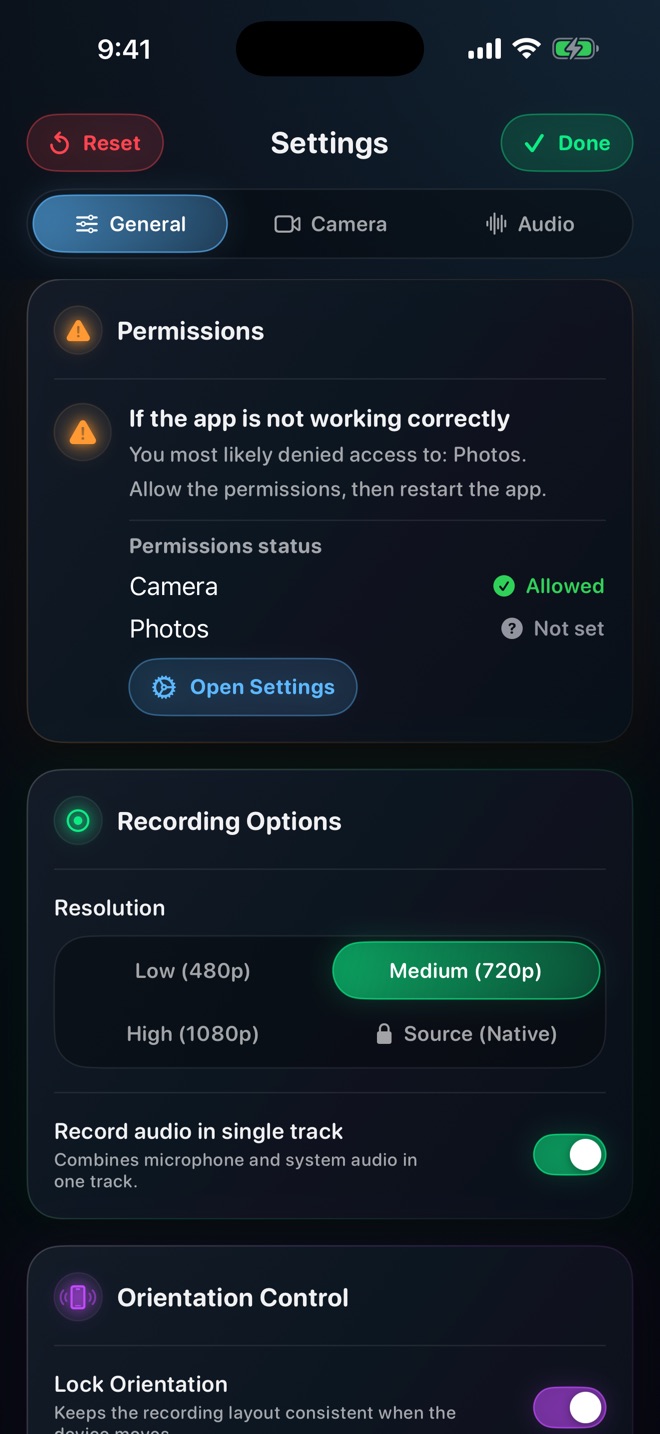
Reel provides microphone and system-audio controls and a single-track option. Those capture settings are useful before recording, but a delivered mixed soundtrack cannot simply be uncombined with an ordinary volume slider. Confirm what your saved file and chosen editor expose before promising a later remix.
Give speech priority at the difficult moment
Choose the densest sentence in the tutorial, perhaps an explanation spoken while a game plays music. Lower the background until each word is understandable at an ordinary listening level. Then check a quiet sentence and a louder reaction. There is no universal percentage that works for every microphone, game and listener.
In iMovie on Mac, select an audio clip and adjust its waveform volume line. A selected range can receive a different level; Apple also documents volume keyframes for changes over time. These are editor controls, not automatic narration ducking in Reel.
- Keep the original recording unchanged and edit a copy or project.
- Identify the independent music or app track, if one exists.
- Lower it beneath speech, leaving any important demonstration sound audible.
- Listen across the beginning and end of each volume change for distracting jumps.
Use silence deliberately
For a software tutorial, music may add little during detailed instructions. Removing the optional bed is often clearer than making narration unnaturally loud. Keep essential cues: an error beep that explains why the next step failed should remain understandable, or be described in the narration.
If speech was already distorted during capture, reducing playback volume does not reconstruct the lost detail. A short replacement voiceover may be more useful than boosting or repeatedly processing the damaged passage. Recording rights and music permission remain separate from whether a mixer can lower the track.
Check the delivered mix
Export a short section containing speech, a pause and an important app sound. Listen through headphones and a small speaker. Make this a comparison you perform, not a claim that one device guarantees every listener’s experience.
Finally open the file in the player your audience will use. A project can sound correct while the delivered file selects a different audio track. Arte Soft publishes Reel; this workflow separates its recording controls from the editing work needed afterward.
Can I lower music after it has been mixed with my voice?
An ordinary volume adjustment changes both together. Look for an independent source track or return to an earlier recording; do not assume automatic separation will recover a clean voice.
Should I set the microphone to its maximum?
No. Use a representative spoken test and check for distortion. Lowering competing audio is often preferable to boosting an already loud voice.