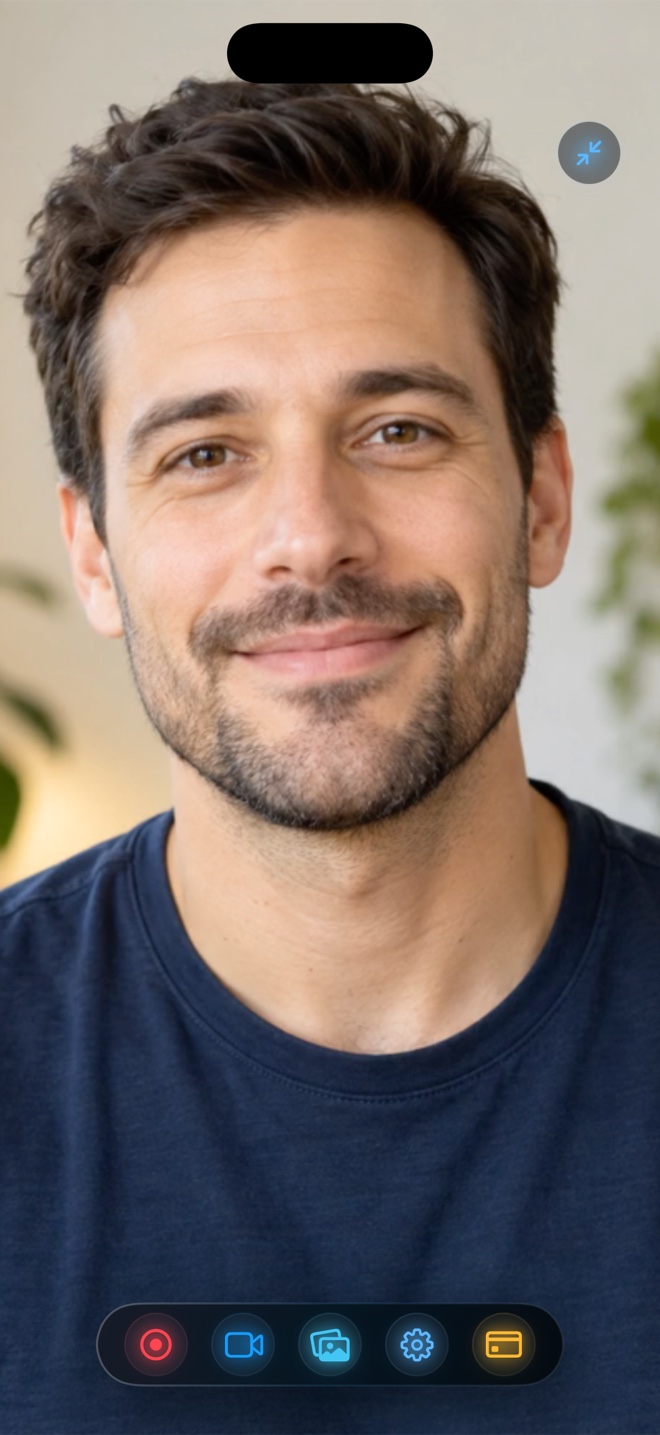
One Screen Recorder Across iPhone, iPad & Mac: Unified Pro Workflow for Apple Creators
Most creators stitch together a patchwork of tools: one Mac subscription app for desktop tutorials, a questionable freemium app for iPhone demos, and a cable workaround for iPad lessons. Having one native Apple app with consistent audio sliders, camera backgrounds, and MP4 output across all three devices eliminates that friction.
Native to each Apple OS—not a lowest-common-denominator wrapper
iOS, iPadOS, and macOS have fundamentally different windowing and capture rules, so Reel uses each platform’s native Apple framework rather than a web wrapper:
AirDrop an iPhone clip to Mac—or publish straight from whichever device is in your hand
Because every device writes clean H.264/HEVC `.mp4` files with matching audio track behavior, clips recorded on iPhone drop seamlessly beside Mac captures in Final Cut Pro, DaVinci Resolve, CapCut, or directly onto social platforms.
If I buy Reel Pro once on my iPhone, do I get Pro on my iPad and Mac too?
Yes—Reel uses Universal Purchase / Apple ID restoration across iPhone, iPad, and Mac at no extra charge.
Do I need an account to sync licenses across my Apple devices?
No account needed—tap Restore Purchases while signed into the same Apple ID on the App Store.