
Record Screen + Floating Facecam + System Audio in One Take on Mac, iPhone & iPad
Zero Watermarks · Local MP4 Export · Live PiP Camera · 60fps Hardware Encoding
Get Reel Studio Free →
Reel Studio vs Competing Screen Recorders (100 Comparisons)
Detailed head-to-head comparisons showing why creators, developers, and teams choose Reel Studio over desktop-only editors and cloud-locked subscription recorders.
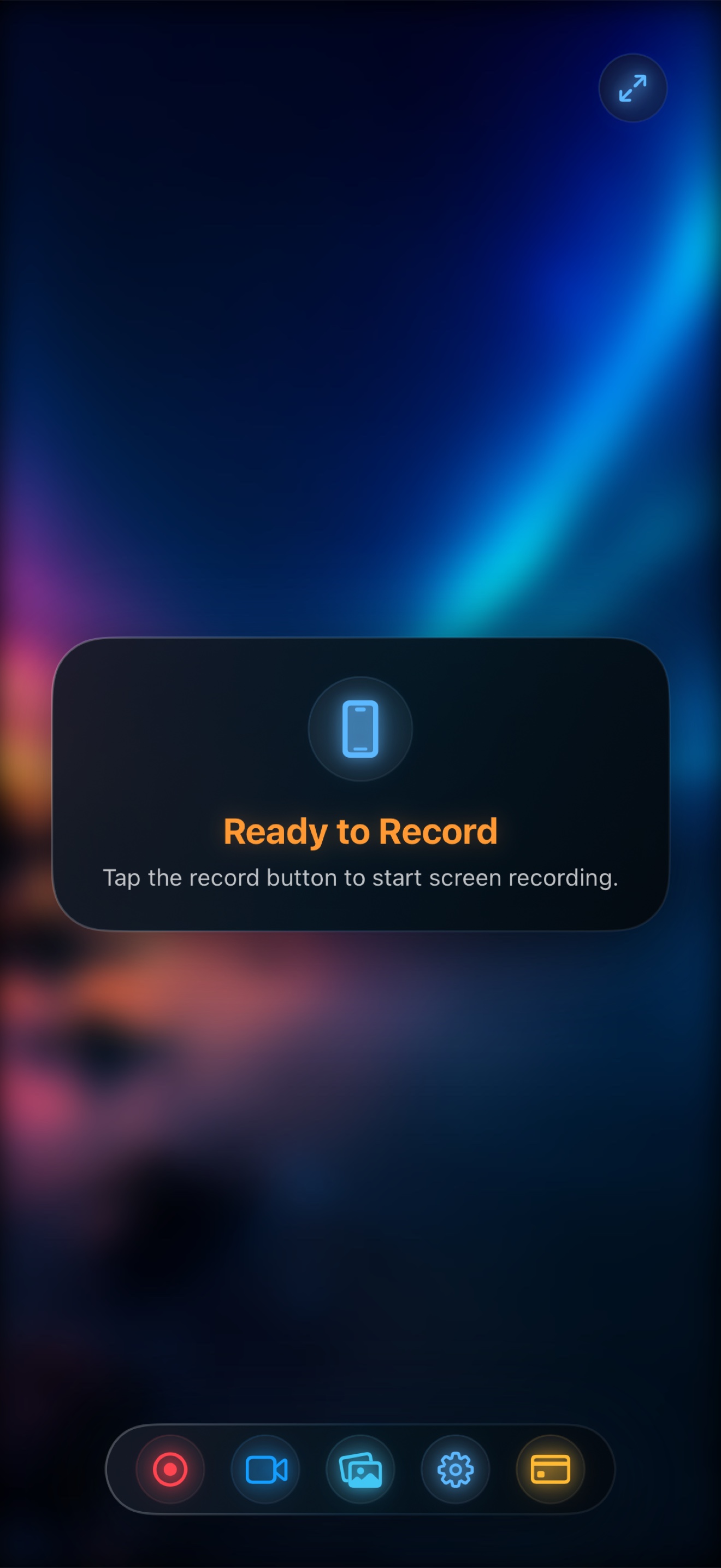
See how Reel Studio beats Screen Studio, Loom, OBS Studio, Camtasia, CleanShot X, ScreenFlow, CapCut, Descript, Tella, Arcade, Supademo, QuickTime Player, VEED.io, and 12 more tools across quality, PiP facecam, audio, privacy, and price.
| Feature | Reel Studio | Cloud Recorders (Loom, Tella, VEED) | Desktop Editors (Screen Studio, Camtasia) |
|---|---|---|---|
| Platforms | iPhone, iPad & Mac | Mostly desktop browser tabs | Mac or Windows desktop only |
| Floating PiP Facecam | Live over any iOS/macOS app | Web tab bubble or none on mobile | Post-export composite |
| Local MP4 Output | Instant (0s wait, no watermarks) | Cloud transcode + link lock-in | Manual render export wait |
| Pricing | Free 1080p; $14.99 lifetime Pro | $180–$420/year subscription | $108–$299/year license |
- Reel Studio vs Screen Studio: Complete Feature, Quality & Pricing Comparison (2026)
- Reel Studio vs Screen Studio: Best Choice for SaaS Product Demos, Tutorials & Creator Workflows
- Reel Studio vs Screen Studio: macOS, iPhone & iPad Performance, PiP Facecam & System Audio
- Best Screen Studio Alternative in 2026: Why Creators Switch to Reel Studio
- Reel Studio vs Loom: Complete Feature, Quality & Pricing Comparison (2026)
- Reel Studio vs Loom: Best Choice for SaaS Product Demos, Tutorials & Creator Workflows
- Reel Studio vs Loom: macOS, iPhone & iPad Performance, PiP Facecam & System Audio
- Best Loom Alternative in 2026: Why Creators Switch to Reel Studio
- Reel Studio vs OBS Studio: Complete Feature, Quality & Pricing Comparison (2026)
- Reel Studio vs OBS Studio: Best Choice for SaaS Product Demos, Tutorials & Creator Workflows
- Reel Studio vs OBS Studio: macOS, iPhone & iPad Performance, PiP Facecam & System Audio
- Best OBS Studio Alternative in 2026: Why Creators Switch to Reel Studio
- Reel Studio vs Camtasia: Complete Feature, Quality & Pricing Comparison (2026)
- Reel Studio vs Camtasia: Best Choice for SaaS Product Demos, Tutorials & Creator Workflows
- Reel Studio vs Camtasia: macOS, iPhone & iPad Performance, PiP Facecam & System Audio
- Best Camtasia Alternative in 2026: Why Creators Switch to Reel Studio
- Reel Studio vs CleanShot X: Complete Feature, Quality & Pricing Comparison (2026)
- Reel Studio vs CleanShot X: Best Choice for SaaS Product Demos, Tutorials & Creator Workflows
- Reel Studio vs CleanShot X: macOS, iPhone & iPad Performance, PiP Facecam & System Audio
- Best CleanShot X Alternative in 2026: Why Creators Switch to Reel Studio
- Reel Studio vs ScreenFlow: Complete Feature, Quality & Pricing Comparison (2026)
- Reel Studio vs ScreenFlow: Best Choice for SaaS Product Demos, Tutorials & Creator Workflows
- Reel Studio vs ScreenFlow: macOS, iPhone & iPad Performance, PiP Facecam & System Audio
- Best ScreenFlow Alternative in 2026: Why Creators Switch to Reel Studio
- Reel Studio vs CapCut: Complete Feature, Quality & Pricing Comparison (2026)
- Reel Studio vs CapCut: Best Choice for SaaS Product Demos, Tutorials & Creator Workflows
- Reel Studio vs CapCut: macOS, iPhone & iPad Performance, PiP Facecam & System Audio
- Best CapCut Alternative in 2026: Why Creators Switch to Reel Studio
- Reel Studio vs Descript: Complete Feature, Quality & Pricing Comparison (2026)
- Reel Studio vs Descript: Best Choice for SaaS Product Demos, Tutorials & Creator Workflows
- Reel Studio vs Descript: macOS, iPhone & iPad Performance, PiP Facecam & System Audio
- Best Descript Alternative in 2026: Why Creators Switch to Reel Studio
- Reel Studio vs Tella: Complete Feature, Quality & Pricing Comparison (2026)
- Reel Studio vs Tella: Best Choice for SaaS Product Demos, Tutorials & Creator Workflows
- Reel Studio vs Tella: macOS, iPhone & iPad Performance, PiP Facecam & System Audio
- Best Tella Alternative in 2026: Why Creators Switch to Reel Studio
- Reel Studio vs Arcade: Complete Feature, Quality & Pricing Comparison (2026)
- Reel Studio vs Arcade: Best Choice for SaaS Product Demos, Tutorials & Creator Workflows
- Reel Studio vs Arcade: macOS, iPhone & iPad Performance, PiP Facecam & System Audio
- Best Arcade Alternative in 2026: Why Creators Switch to Reel Studio
- Reel Studio vs Supademo: Complete Feature, Quality & Pricing Comparison (2026)
- Reel Studio vs Supademo: Best Choice for SaaS Product Demos, Tutorials & Creator Workflows
- Reel Studio vs Supademo: macOS, iPhone & iPad Performance, PiP Facecam & System Audio
- Best Supademo Alternative in 2026: Why Creators Switch to Reel Studio
- Reel Studio vs QuickTime Player: Complete Feature, Quality & Pricing Comparison (2026)
- Reel Studio vs QuickTime Player: Best Choice for SaaS Product Demos, Tutorials & Creator Workflows
- Reel Studio vs QuickTime Player: macOS, iPhone & iPad Performance, PiP Facecam & System Audio
- Best QuickTime Player Alternative in 2026: Why Creators Switch to Reel Studio
- Reel Studio vs VEED.io: Complete Feature, Quality & Pricing Comparison (2026)
- Reel Studio vs VEED.io: Best Choice for SaaS Product Demos, Tutorials & Creator Workflows
- Reel Studio vs VEED.io: macOS, iPhone & iPad Performance, PiP Facecam & System Audio
- Best VEED.io Alternative in 2026: Why Creators Switch to Reel Studio
- Reel Studio vs Riverside.fm: Complete Feature, Quality & Pricing Comparison (2026)
- Reel Studio vs Riverside.fm: Best Choice for SaaS Product Demos, Tutorials & Creator Workflows
- Reel Studio vs Riverside.fm: macOS, iPhone & iPad Performance, PiP Facecam & System Audio
- Best Riverside.fm Alternative in 2026: Why Creators Switch to Reel Studio
- Reel Studio vs Zight (CloudApp): Complete Feature, Quality & Pricing Comparison (2026)
- Reel Studio vs Zight (CloudApp): Best Choice for SaaS Product Demos, Tutorials & Creator Workflows
- Reel Studio vs Zight (CloudApp): macOS, iPhone & iPad Performance, PiP Facecam & System Audio
- Best Zight (CloudApp) Alternative in 2026: Why Creators Switch to Reel Studio
- Reel Studio vs Vidyard: Complete Feature, Quality & Pricing Comparison (2026)
- Reel Studio vs Vidyard: Best Choice for SaaS Product Demos, Tutorials & Creator Workflows
- Reel Studio vs Vidyard: macOS, iPhone & iPad Performance, PiP Facecam & System Audio
- Best Vidyard Alternative in 2026: Why Creators Switch to Reel Studio
- Reel Studio vs Snagit: Complete Feature, Quality & Pricing Comparison (2026)
- Reel Studio vs Snagit: Best Choice for SaaS Product Demos, Tutorials & Creator Workflows
- Reel Studio vs Snagit: macOS, iPhone & iPad Performance, PiP Facecam & System Audio
- Best Snagit Alternative in 2026: Why Creators Switch to Reel Studio
- Reel Studio vs Berrycast: Complete Feature, Quality & Pricing Comparison (2026)
- Reel Studio vs Berrycast: Best Choice for SaaS Product Demos, Tutorials & Creator Workflows
- Reel Studio vs Berrycast: macOS, iPhone & iPad Performance, PiP Facecam & System Audio
- Best Berrycast Alternative in 2026: Why Creators Switch to Reel Studio
- Reel Studio vs Sendspark: Complete Feature, Quality & Pricing Comparison (2026)
- Reel Studio vs Sendspark: Best Choice for SaaS Product Demos, Tutorials & Creator Workflows
- Reel Studio vs Sendspark: macOS, iPhone & iPad Performance, PiP Facecam & System Audio
- Best Sendspark Alternative in 2026: Why Creators Switch to Reel Studio
- Reel Studio vs Komodo Decks: Complete Feature, Quality & Pricing Comparison (2026)
- Reel Studio vs Komodo Decks: Best Choice for SaaS Product Demos, Tutorials & Creator Workflows
- Reel Studio vs Komodo Decks: macOS, iPhone & iPad Performance, PiP Facecam & System Audio
- Best Komodo Decks Alternative in 2026: Why Creators Switch to Reel Studio
- Reel Studio vs FocuSee: Complete Feature, Quality & Pricing Comparison (2026)
- Reel Studio vs FocuSee: Best Choice for SaaS Product Demos, Tutorials & Creator Workflows
- Reel Studio vs FocuSee: macOS, iPhone & iPad Performance, PiP Facecam & System Audio
- Best FocuSee Alternative in 2026: Why Creators Switch to Reel Studio
- Reel Studio vs Cursorful: Complete Feature, Quality & Pricing Comparison (2026)
- Reel Studio vs Cursorful: Best Choice for SaaS Product Demos, Tutorials & Creator Workflows
- Reel Studio vs Cursorful: macOS, iPhone & iPad Performance, PiP Facecam & System Audio
- Best Cursorful Alternative in 2026: Why Creators Switch to Reel Studio
- Reel Studio vs ScreenRec: Complete Feature, Quality & Pricing Comparison (2026)
- Reel Studio vs ScreenRec: Best Choice for SaaS Product Demos, Tutorials & Creator Workflows
- Reel Studio vs ScreenRec: macOS, iPhone & iPad Performance, PiP Facecam & System Audio
- Best ScreenRec Alternative in 2026: Why Creators Switch to Reel Studio
- Reel Studio vs ShareX: Complete Feature, Quality & Pricing Comparison (2026)
- Reel Studio vs ShareX: Best Choice for SaaS Product Demos, Tutorials & Creator Workflows
- Reel Studio vs ShareX: macOS, iPhone & iPad Performance, PiP Facecam & System Audio
- Best ShareX Alternative in 2026: Why Creators Switch to Reel Studio
- Reel Studio vs Bandicam: Complete Feature, Quality & Pricing Comparison (2026)
- Reel Studio vs Bandicam: Best Choice for SaaS Product Demos, Tutorials & Creator Workflows
- Reel Studio vs Bandicam: macOS, iPhone & iPad Performance, PiP Facecam & System Audio
- Best Bandicam Alternative in 2026: Why Creators Switch to Reel Studio
Frequently Asked Questions
Why does Reel Studio win against cloud and desktop competitors?
Reel Studio is the only recorder that works natively across iPhone, iPad, and Mac with a floating Picture-in-Picture facecam over any app, simultaneous internal + mic audio, free watermark-free 1080p MP4 exports, and a $14.99 lifetime Pro option.
Ship studio-grade screen recordings without timeline editing.
Download Reel Studio (id6758941990) — free screen and Picture-in-Picture camera recorder for macOS, iOS, and iPadOS.
Download on the App Store →