
Best Arcade Alternative in 2026: Why Creators Switch to Reel Studio
Head-to-head comparison between Reel Studio and Arcade (Why Creators Switch to Reel Studio (No Watermarks, No Cloud Lock-In))—why Reel Studio wins on native iPhone, iPad, and Mac performance, floating Picture-in-Picture facecam, instant local MP4 files, and transparent pricing.
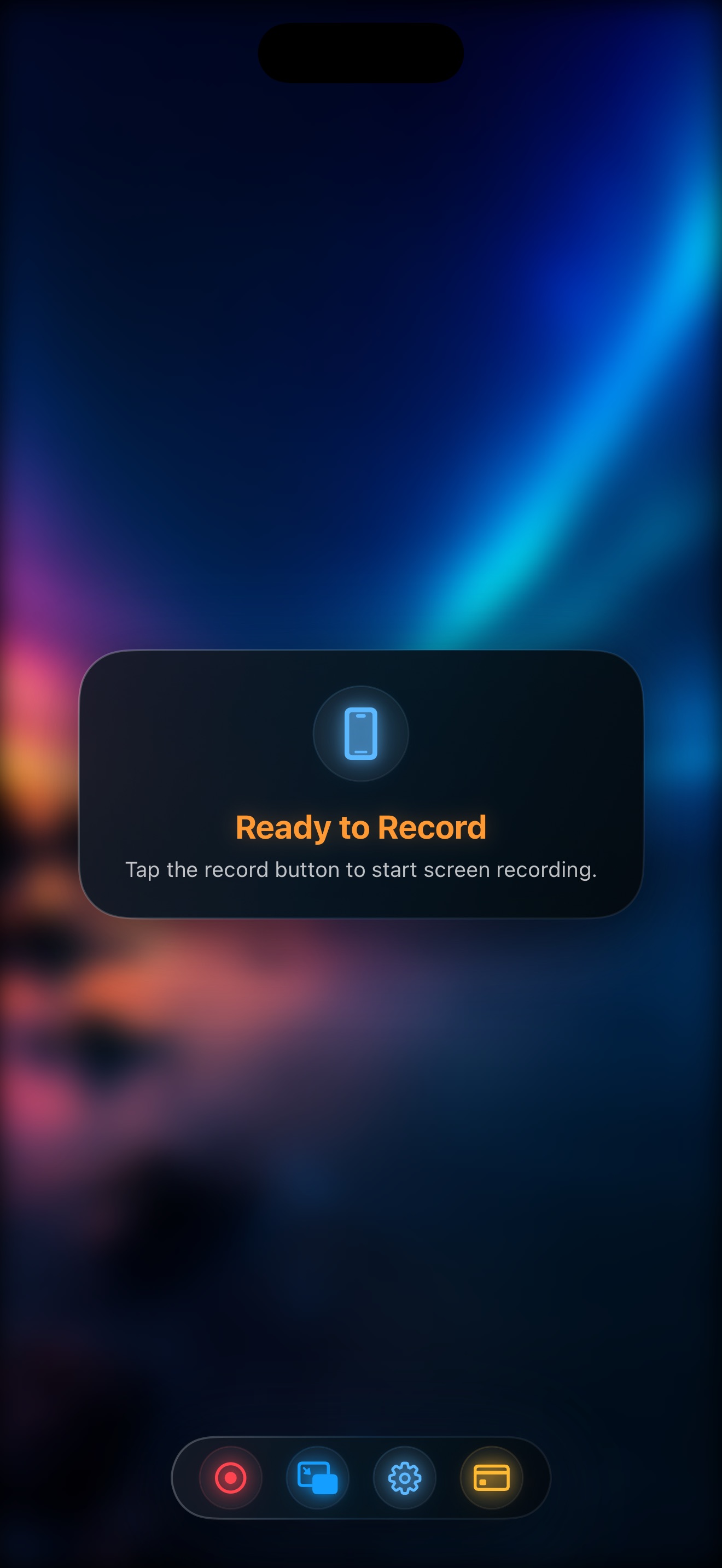
While Arcade is held back by click-through html screenshot builder that cannot capture real 60fps video motion, Reel Studio (id6758941990) records your screen, floating Picture-in-Picture facecam, internal app audio, and microphone in a single watermark-free local MP4 take across iPhone, iPad, and Mac.
1. Reel Studio vs Arcade: Feature & Architecture Scorecard
| Capability | Reel Studio (Winner) | Arcade |
|---|---|---|
| Apple Ecosystem Coverage | Native on iPhone, iPad & Mac (one universal workflow) | Click-through HTML screenshot builder that cannot capture real 60fps video motion |
| Floating PiP Facecam Over Any App | Yes — hardware Picture-in-Picture stays live across apps | Limited, desktop-bound, or requires post-production overlay |
| Internal App Audio + Mic Mixer | Simultaneous 48kHz stereo capture in one take | Often requires virtual audio drivers or separate audio passes |
| Output File Ownership | Instant local MP4 in Photos / Finder (0s wait) | Cloud upload delays, proprietary links, or long timeline exports |
| Watermarks on Free Tier | Zero watermarks (480p, 720p, and 1080p free) | Watermarks, 5-minute caps, or trial lockouts |
| Pricing & Licensing | Free up to 1080p; Pro $0.99/mo, $9.99/yr, or $14.99 lifetime | $32–$65/user/mo subscription |
2. Why Creators Switch from Arcade to Reel Studio
1. True One-Take Speed across iPhone, iPad, and Mac: With Reel Studio, you never waste time syncing separate screen and camera tracks or waiting for cloud servers to transcode your video. Your MP4 is ready the millisecond you tap Stop.
2. Floating Picture-in-Picture Facecam Everywhere: Reel Studio keeps your live camera bubble floating on top of any iOS app, mobile game, Safari tab, or macOS window with optional background blur and replacement.
3. Fair, Transparent Pricing Without Subscription Fatigue: Reel Studio gives you 480p, 720p, and 1080p recording 100% free with no watermarks, and its optional Pro tier ($0.99/month, $9.99/year, or $14.99 one-time lifetime) costs a fraction of Arcade ($32–$65/user/mo subscription).
More Screen Recorder Comparisons
Frequently Asked Questions
Reel Studio outperforms Arcade by combining native iPhone, iPad, and Mac screen capture, a live floating Picture-in-Picture facecam over any app, simultaneous internal + microphone audio, and instant watermark-free local MP4 exports—with free 1080p capture and a $14.99 lifetime Pro option.
Yes. Creators switching from Arcade to Reel Studio (id6758941990) eliminate timeline editing and cloud upload bottlenecks, recording polished screen + facecam walkthroughs in a single take.