Record a worked example rather than a slideshow of answers
A slideshow of finished steps shows what the answer is. A worked example shows how someone gets there, including the choice at each step. That depends on writing in real time and saying your reasoning aloud.
Why live writing helps
When each line appears as you say it, the viewer’s attention follows your pen. A finished page shown all at once gives them everything to read at the same time, which can make the sequence harder to follow unless you reveal or explain it progressively. The aim is not perfect handwriting; it is a visible sequence of decisions.
Set up the page
Apple’s Notes guide describes handwriting refinement on iPad, which can straighten and tidy what you write. Decide whether you want that on before recording; tidy text is easier to read, but sudden changes to the ink can distract while you are mid-explanation.
- Choose a drawing or note app you already know, such as Notes on iPad with Apple Pencil.
- Start with a blank page and the problem written at the top.
- Use a larger pen size than you normally would, and dark ink on a light background.
- Make a ten-second test recording and play it back to check that the app and your ink appear in the capture.
- Use Do Not Disturb to reduce interruptions, review exceptions and inspect the final file for notifications.
Pace the reasoning
Say why before you write what. “We want metres per second, so first convert kilometres to metres” comes before you write × 1000. Pause briefly before writing a result, so a viewer working along can try it first. When you make a mistake, consider leaving it in and correcting it aloud; showing how to check a step is part of the lesson.
Worked example: convert 72 km/h to m/s
The explicit check teaches the viewer how to assess their own answer, whether the lesson uses handwriting, typed steps or slides.
- Write the problem: 72 km/h = ? m/s.
- Say: one kilometre is 1000 metres. Write 72 km/h × 1000 m/km = 72,000 m/h.
- Say: one hour is 3600 seconds. Write 72,000 m ÷ 3600 s.
- Pause, then write = 20 m/s.
- Check aloud: dividing by 3.6 converts km/h to m/s, and 72 ÷ 3.6 = 20. The answer agrees.
Recording with Reel
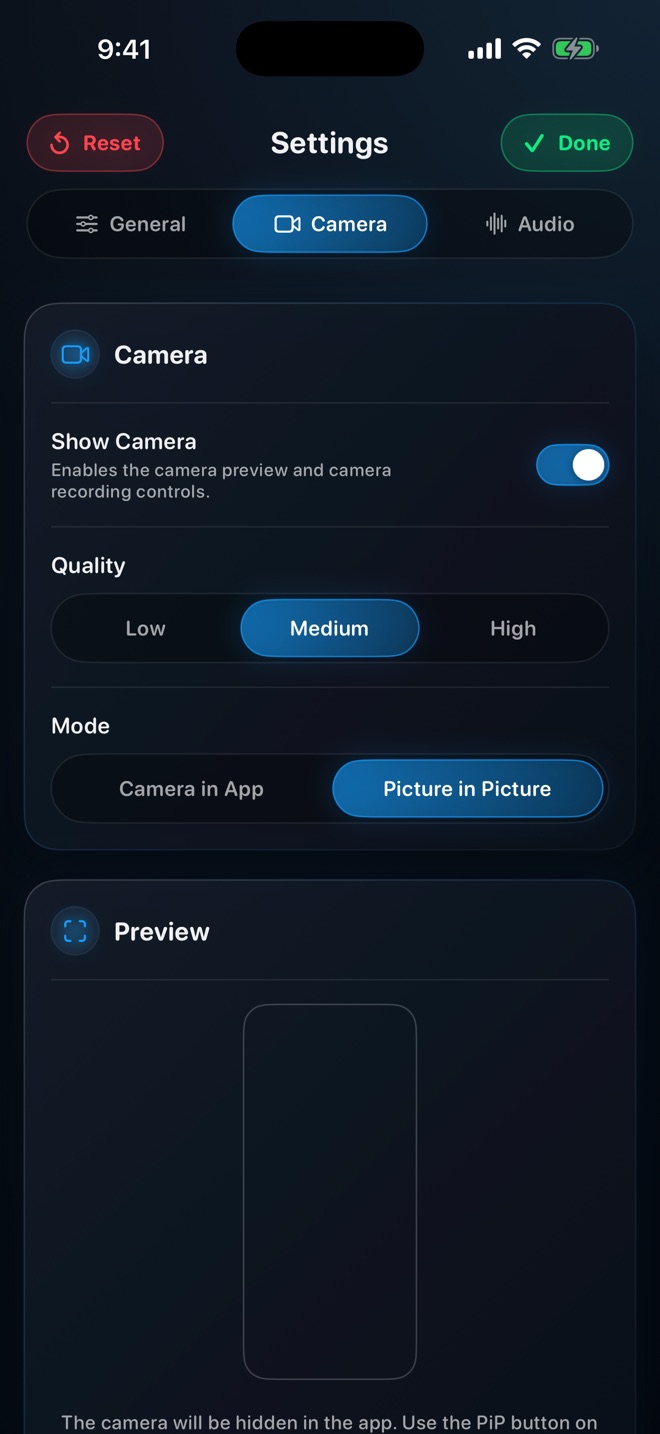
On iPad, Reel records the full screen with your microphone and can add a camera overlay. A face can help viewers follow your attention, but it must not sit on the writing area. Place the overlay in a corner you will not write in, and resize it if it competes with the page.
If you prefer to annotate after recording, Mac editors offer that route: Telestream’s ScreenFlow tutorial list includes annotations and freehand annotations. That is a post-production workflow: match the added marks to the narration and check their timing in the export.
Check readability before sharing
Watch the finished file on a phone, since that is often how students watch. If the final page is hard to read at that size, rewrite with a thicker pen or fewer lines per page. Write the final answer and the key steps in the message or caption too, so the result is available without scrubbing through the video.
Should I write fast to keep the video short?
No. Write at the pace you speak. Cut long silences afterwards instead of rushing the writing.
Can I record on a Mac instead of an iPad?
Yes, but writing with a mouse or trackpad is slow and hard to read. Typed steps revealed one at a time are a workable alternative on a Mac.