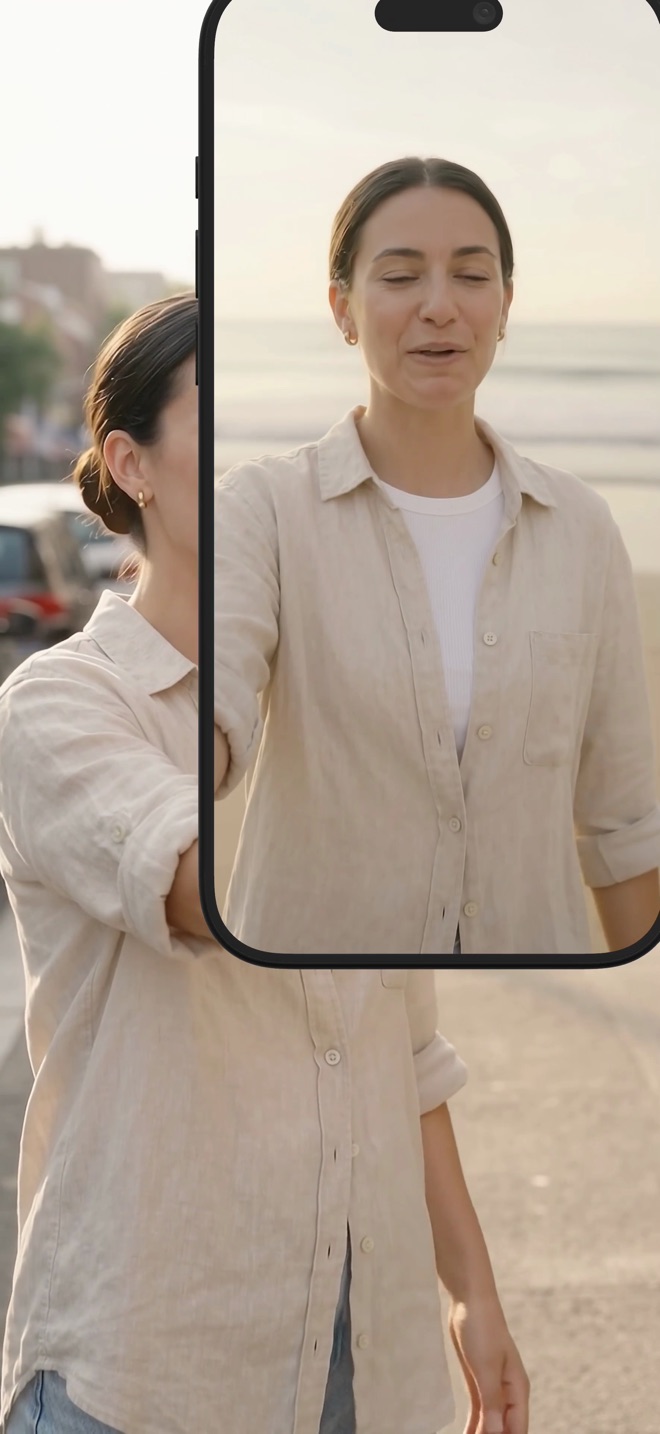
Reframe a landscape tutorial into a portrait excerpt
A portrait excerpt needs its own composition. Changing the canvas shape alone can leave the important controls outside the frame or shrink a wide desktop until nothing is readable.
Choose a task that fits the narrower frame
Look for a self-contained moment: changing one setting, explaining one result or demonstrating one gesture. A workflow that repeatedly jumps between opposite sides of a desktop may need a fresh portrait-oriented recording instead of an aggressive crop.
Write the excerpt’s beginning and outcome. Remove references such as “as we saw earlier” if that earlier material is not included. Keep any prerequisite that affects the result, even when it makes the excerpt a little longer.
Fit, crop or recompose deliberately
Fitting the entire landscape image preserves context but leaves unused space in a portrait frame. Cropping fills the frame but discards edges. A designed composition can use the extra area for a short title or presenter, provided the screen detail remains large enough to read. Never stretch the interface horizontally or vertically to fill space.
Screen Studio’s aspect-ratio guide describes a Vertical 9:16 choice and an optional cursor-following cropped view. Those are Screen Studio project controls, not automatic reframing in Reel. A pointer-led crop still needs review when important information appears away from the pointer.
- Mark the excerpt and its essential controls.
- Choose a portrait canvas in an editor that supports it.
- Inspect the complete action with the crop applied.
- Add a wider context shot or recapture if the narrow frame loses the explanation.
Follow information rather than every movement
In a spreadsheet example, the selected cell and formula bar may both matter. Cropping to the mouse alone can hide the formula. Consider a brief full view followed by a closer view of the result, with narration explaining the transition.
Keep the crop stable while the viewer reads. Repeated panning between controls can be more confusing than a slightly smaller but steady image. If the lesson needs text from two distant regions at once, a portrait excerpt may simply be the wrong format for that step.
Check the platform-sized result
Preview the exported video on a phone at the intended size. Check the text, camera inset, captions and any areas covered by the destination player’s interface. Platform layouts can change, so use its current preview rather than treating a fixed margin as universally safe.
Keep the landscape original and editing project for future changes. Arte Soft publishes Reel; this guide describes selecting and editing an excerpt, not a guarantee that a source-resolution recording can be reframed without quality loss.
Is portrait always better for a phone?
No. A wide interface may be clearer in a landscape player. Choose the format that preserves the task, not just the shape of the device.
Can I convert by stretching the video?
That distorts text and controls. Use a fit, a crop or a redesigned composition instead.