How to Screen Record Browser Tab Audio in Safari & Chrome on Mac (No Extension)
Most "record tab audio" guides push Chrome-only extensions that fail in Safari, request invasive "Read and change all your data on all websites" permissions, and stutter at 24fps. On modern macOS, Apple’s ScreenCaptureKit captures crystal-clear digital audio from Safari, Chrome, Arc, Brave, or Firefox natively.
Clean browser audio in Safari or Chrome without granting DOM access
Because Reel runs as a native Mac App Store application using ScreenCaptureKit, your browser never loads injected third-party JavaScript into banking, admin, or staging tabs.
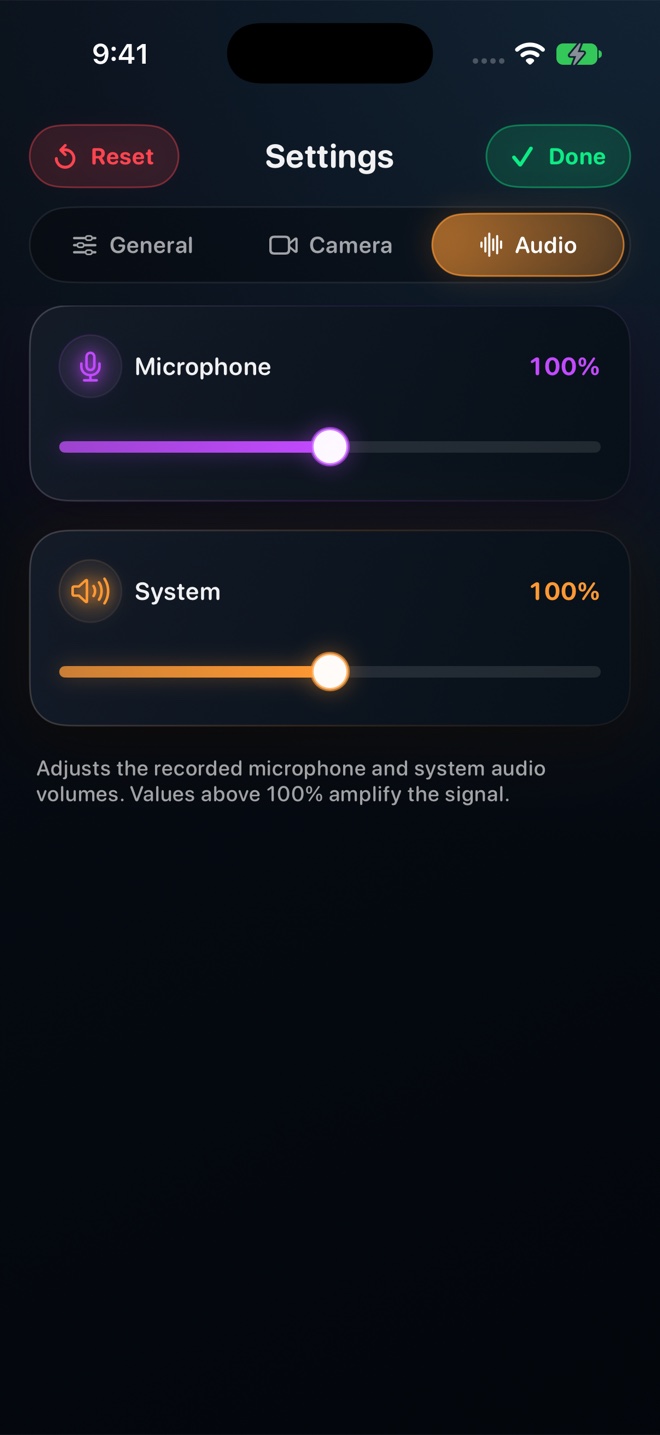
Enable Focus / Do Not Disturb so background desktop apps stay quiet, wear headphones if you are also narrating into your microphone, set System Audio and Microphone levels in Reel, and press Command-R.
Does this work in Safari and Arc as well as Google Chrome?
Yes—ScreenCaptureKit captures macOS audio regardless of which browser you prefer.
Why did Netflix or Spotify web player record silent/black in Safari?
Encrypted FairPlay / Widevine DRM media streams are protected at the OS level across all browsers and recorders.