How to Screen Record on iMac, Mac mini & Apple Studio Display (5K Audio & Cam)
Desktop Macs introduce two quirks MacBook owners never see: massive 4.5K/5K pixel canvases that create huge files if left uncapped, and Mac mini / Mac Studio setups where your monitor may not have a built-in microphone or webcam unless paired properly.
4.5K iMac & 5K Studio Display file-size trap—and how to keep UI readable
On a 27-inch 5K Studio Display (5120x2880), full-screen windows have tiny chrome if you shrink your browser to one corner. Maximize the app or scale macOS Displays to comfortable "Default" Retina HiDPI, then choose **1080p** in Reel for fast sharing—or **Source (Native)** in Reel Pro when creating 4K/5K masters.
Mac mini & Mac Studio: Use your iPhone as a wireless 4K webcam + mic
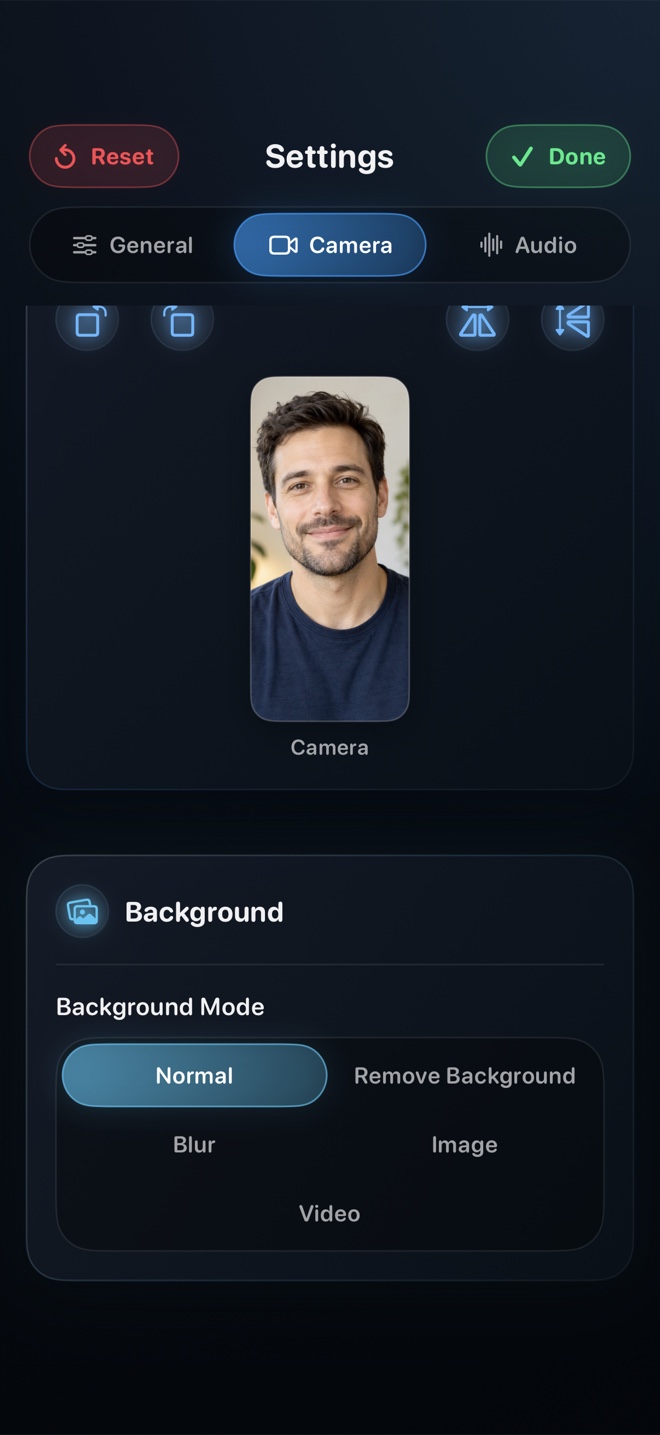
No webcam on your Mac mini monitor? Bring your iPhone near the display signed into the same Apple ID—Continuity Camera instantly gives Reel on Mac a crisp camera and studio mic with zero cables to buy.
Why did HDMI monitor audio cause missing sound on my Mac mini?
Some HDMI monitors expose an audio sink with no speakers attached; Reel’s ScreenCaptureKit still captures digital system audio cleanly—just plug headphones into your Mac mini 3.5mm jack to monitor it.
Does Studio Display’s 12MP Center Stage camera work in Reel?
Yes—toggle Center Stage on or off right from macOS’s green menu-bar Video Effects icon while Reel is open.